Key Takeaways
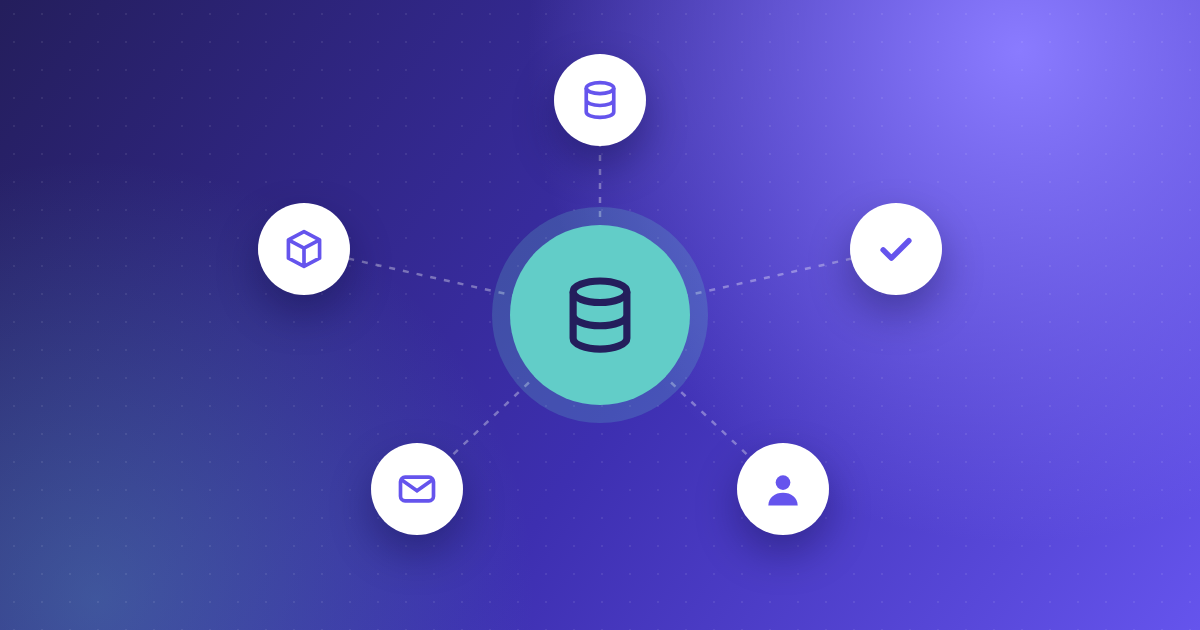
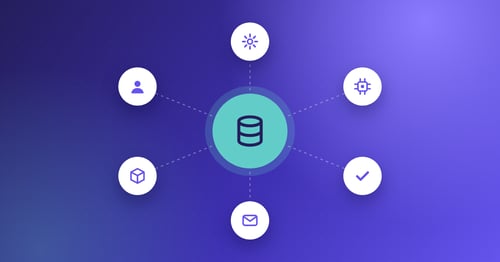
- ERP integration connects your Enterprise Resource Planning (ERP) system with other business software, so they work as one. Data flows smoothly between systems. This improves efficiency, accuracy and decision-making.
- ERP integration creates one connected platform. Finance automation, accounting software and invoice processing tools can all share data. It removes data silos, simplifies work and gives you a clearer view of the whole business.
- Kefron AP integrates smoothly with your ERP and automates invoice processing to save time and money. It works with many accounting systems, which makes it a key tool for simpler, more competitive finance operations.
Introduction to AP Automation and ERP Integration
Understanding AP Automation
AP automation replaces manual invoicing and payment tasks with a fast digital process. It makes invoice processing accurate, quick and efficient. Less manual work means lower processing time and cost. Connecting AP automation with your accounting software or ERP makes finance workflows even smoother. Going digital is key to staying competitive.
AP automation makes finance operations more precise and reliable. Manual processes are prone to errors. Automated systems track transactions in real time, which improves visibility and helps you plan. Connecting with your finance systems gives you a full view of your finances, so you can make better decisions.
The Role of ERP Systems in Financial Management
ERP systems bring your financial processes together in one place. This improves accuracy and gives you better insight. With ERP integration, tasks like invoice processing run more efficiently, and reporting and compliance get easier. ERPs can also grow with your business.
ERP systems provide insights and analysis that help with forecasting and decisions. Connect them with finance automation tools and routine tasks are handled for you. Your team can then focus on financial planning. Together, ERPs and finance tools help you run better and stay ahead.
Importance of Accounting Software Integration
Connecting AP automation with your ERP makes finance management more efficient and accurate. Data flows in real time, silos disappear and you get a full financial picture. Workflows improve, costs fall and accuracy rises.
The benefits go beyond efficiency. You also get better supplier relationships and better use of working capital. It helps you adapt quickly when markets change. Today, connecting AP automation with your ERP is essential for strong finance and growth.
Benefits of Integrating AP Automation with ERP Systems
Enhanced Operational Efficiency through ERP Integration
Connecting AP automation with your ERP makes your operations far more efficient. It automates and simplifies the whole invoice process, so there are far fewer manual tasks. Accounts payable runs faster, and your team can focus on more valuable work.
Cost Reduction via Financial Automation Software
Connecting AP automation with your ERP saves money. It automates time-consuming tasks like data entry and invoice matching, which cuts labour costs. Automated invoice processing inside your ERP also means fewer costly errors.
Improved Accuracy and Compliance
Together, AP automation and your ERP improve accuracy and compliance. Automated invoice processing cuts human error, so your financial records are more reliable and meet regulatory rules. This lowers the risk that comes with financial mistakes.
Real-Time Financial Visibility and Control
ERP integration gives you real-time visibility and control over your finances. You can see key financial data in your ERP straight away. Up-to-date insight into cash flow and pending transactions helps you manage finances and make better decisions. Custom workflows and alerts also help you stick to company financial policies.
Connecting AP automation with your ERP also brings other benefits. These include stronger supplier relationships, better compliance with global standards and room to grow. Automated, joined-up finance processes make your business more resilient, quicker to adapt and ready for the future.
Best Practices for Seamless ERP Integration
Data Mapping and Standardisation
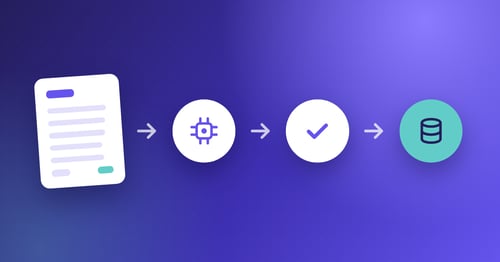
Data mapping and standardisation are key steps in ERP integration. Data mapping means linking the fields in your AP automation system to the matching fields in your ERP, so information flows correctly between them. This is vital for automated invoice processing. It makes sure invoice data captured by the software lands in the right place in your ERP. Getting this right protects data quality, reduces errors and makes finance work more efficient.
Standardising data across your finance systems makes information easier to understand and analyse. With common formats and definitions, data is processed and reported the same way, wherever it comes from. This matters when several systems need to talk to each other. It also makes it easier to combine data from different sources, which improves reporting. Standard data gives you a solid base for invoice automation and helps you get the most from your ERP.
Customisation and Configuration
Customisation means adjusting the software to fit the way your business works. You can tailor the finance automation software to support your processes, including any special invoice processing needs. This makes sure the system matches your workflows, works better and keeps users happy. Setting up your ERP and AP automation to follow your business rules makes finance operations more efficient and responsive.
Configuration means setting up the system to match your needs. This includes user roles and permissions, invoice data fields and transaction workflows. Good configuration means the system works well from day one, keeps processes simple and protects data. It also makes it easy to adjust and expand as your business grows. Careful set-up helps your ERP and automation tools work together, supporting both daily work and long-term goals.
User Training and Change Management
User training is essential for a successful ERP integration, especially with new finance automation software. Training shows people how to use the system, including invoice automation and other key features. When users feel confident, more people adopt the system and use it well. Good training also reduces resistance, because people understand the benefits. Investing in training helps you get the most from your integration and keeps finance running smoothly.
Change management is vital when you bring in a new ERP or finance automation software. It means preparing your organisation, managing the move and supporting staff throughout. Explain the benefits clearly, listen to concerns and feedback, and keep supporting people after go-live. Managing change well keeps disruption low and makes the move smooth. It also helps your culture and ways of working fit the new technology, so the change lasts.
Kefron AP – Advanced AP Automation Software
Automated Invoice Processing
Kefron AP stands out for how smoothly it integrates with ERP systems. This makes it a strong choice for businesses that want to improve finance automation. Kefron AP connects easily with many ERPs and keeps data flowing between systems. This improves efficiency and cuts manual data entry errors. It fits well into complex business environments and works alongside your existing ERP.
Kefron AP adds advanced features to your finance automation. It simplifies and speeds up accounts payable, so you get greater accuracy and efficiency. Because it connects with your accounting software, all your financial data is in one place, giving you a full view of your finance operations. Its focus on integration and automation helps you get the most from your ERP.
Features
Kefron AP’s advanced invoice processing gives you a powerful way to automate accounts payable. Smart data capture and automatic matching of invoices to purchase orders cut the time and effort that invoices usually take. Payments move faster and human error falls, so your financial data is accurate and reliable.
Kefron AP is a complete finance automation solution, with a wide range of features to improve accounts payable. Workflows adapt to your business rules, and real-time reporting gives you insight into financial performance. You get better visibility and control of your finances, and a more joined-up approach that makes full use of your ERP.
Extensive Suite of ERP Integrations
NetSuite Integration
Kefron AP’s integration with NetSuite connects smoothly with your finance operations. Invoices are processed automatically within NetSuite, which simplifies accounts payable and improves data accuracy. You get one view of your financial data, which helps you make decisions and work more efficiently.
Oracle & Oracle Fusion Integration
Integration with Oracle and Oracle Fusion shows how flexible Kefron AP is. Businesses on Oracle can make full use of automated invoice processing and better data management. Data flows smoothly between Kefron AP and Oracle, which simplifies finance work, cuts manual effort and boosts efficiency.
AccountsIQ Integration
Kefron AP’s integration with AccountsIQ brings automated invoice processing to AccountsIQ users. It simplifies accounts payable and improves accuracy by cutting manual data entry and errors. It gives AccountsIQ users an easy way to manage financial data more effectively.
Sage Integration
Kefron AP offers full integration with Sage, including Sage 200, 50 and Intacct. It automates invoice processing and reduces the time spent managing transactions. Sage users get better data accuracy and more efficient operations.
MS Dynamics Integration
Integrating Kefron AP with Dynamics, Microsoft’s ERP, takes your finance automation further. It brings automated invoice processing and joined-up finance management into the Dynamics platform. You get more efficient operations, better data accuracy and smoother workflows.
Kefron AP – Universal Compatibility
Kefron AP works with leading ERP and accounting systems, which makes it a strong choice for automating finance operations. It integrates smoothly with NetSuite, Oracle Fusion, AccountsIQ, Sage and Dynamics. You can improve invoice processing and data management without disrupting your current set-up, whatever your finance systems.
Final Thoughts on Integrating AP Automation Solutions with ERP Systems
Connecting AP automation like Kefron AP with your ERP is a big step towards modern, simpler finance processes. Combining automated invoice processing with ERPs such as NetSuite, Oracle Fusion, AccountsIQ, Sage and Dynamics brings a major efficiency boost. It improves workflows and makes financial transactions more accurate and compliant.
In short, connecting AP automation with your ERP through a solution like Kefron AP isn’t just a technology upgrade. It is an investment in the financial health and efficiency of your business. You can expect big improvements in your finance processes and a strong position for future growth.