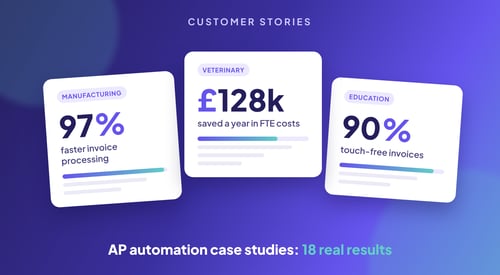
AP Automation: Results from Mid-Sized & Enterprise Companies
These 18 accounts payable automation case studies come from mid-sized and enterprise companies...
Let’s be clear: ERP systems weren’t built to automate your AP process from end to end. They were built to record transactions, not to remove the manual work around them.
That’s why so many finance teams on NetSuite, Dynamics 365 Business Central, SAP or Oracle still spend their days typing in data, chasing approvals by email or fixing mismatches in Excel.
Built-in ERP AP modules are often rigid. They don’t automate much, and they are hard to tailor without scripting or IT help. They may offer basics like invoice upload, simple PO matching or email approvals. But they rarely remove the work that slows finance teams down.
In practice, this means:
So the spreadsheets creep in. Teams build workarounds outside the ERP just to keep things moving. The system that was meant to simplify everything becomes the one you constantly work around. It doesn’t deliver true automation.
This is where purpose-built tools like Kefron AP come in.
Unlike built-in ERP modules, Kefron AP is designed for high-volume, complex AP. It doesn’t try to do everything. It focuses on automating AP fully, accurately and flexibly.
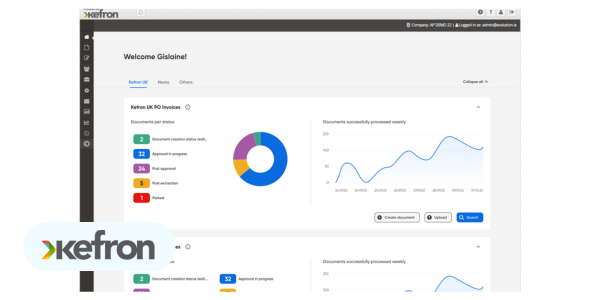
Kefron combines AI-powered invoice capture with human checks, so your data is accurate from day one. No templates, no maintenance and no broken OCR rules.
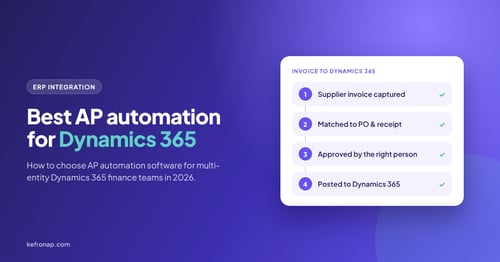
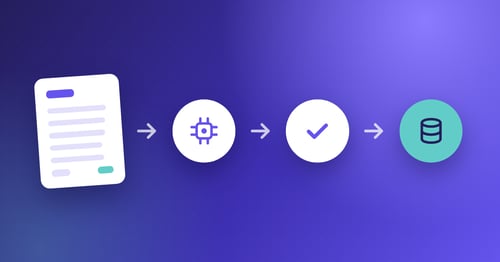
It connects directly with your ERP, whether you use NetSuite, Microsoft Dynamics 365 Business Central, Oracle, SAP or Sage, so your finance systems stay as they are. But the difference is huge. Invoices flow in, are coded and matched automatically and go through approvals based on rules you control.
Instead of chasing approvers, Kefron reminds them automatically. Instead of guessing where an invoice is stuck, you can see exactly who it is waiting on and why. And instead of spending hours fixing mismatches, exceptions are flagged and resolved in the platform. That is accounts payable automation at scale.
It is invoice automation that works with your ERP, not against it.
Let’s look at how the main ERP systems handle AP automation, and where users tend to hit limits with built-in tools.
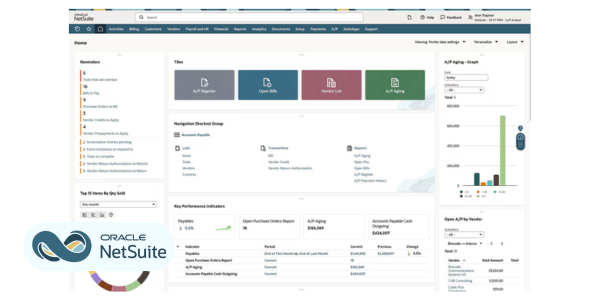
NetSuite is a popular cloud ERP for mid-market and fast-growing businesses. It is known for joining up finance, procurement and reporting. For AP teams, it offers basic invoice entry, PO matching and approval routing through modules like SuiteApprovals and add-ons like FastFour.
But as invoice volumes and complexity grow, NetSuite’s automation often falls short. Most automation features are limited, workflows need scripting to customise, and there is no built-in way to track exceptions or speed up approvals. Many finance teams end up relying on spreadsheets, email or bolt-on tools to fill the gaps.
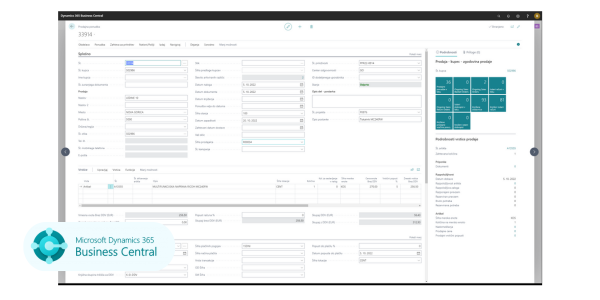
Dynamics 365 Business Central is a solid finance platform for mid-sized businesses, especially those already on Microsoft. It works well with Excel, Outlook and Teams, which makes it easy for many teams to adopt and use.
But its built-in automation is basic. Most invoice entry, matching and approvals still happen by hand or over email. For real automation, such as smart data capture, touchless processing or exception handling, teams usually need third-party tools or custom workflows in Power Automate.
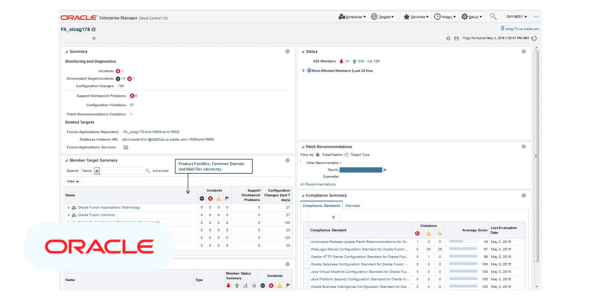
Oracle Fusion Cloud is a powerful enterprise ERP for large organisations with complex compliance, reporting and governance needs. It supports multi-entity, multi-currency operations. It also has strong controls for financial approvals, security and data access.
Oracle excels at scale and auditability, but its built-in AP automation is limited. Implementation is complex and often needs outside consultants and long timelines. Even small workflow changes usually need IT. For AP teams, this complexity makes it hard to scale or adapt quickly, which is a challenge for efficient Oracle automation.
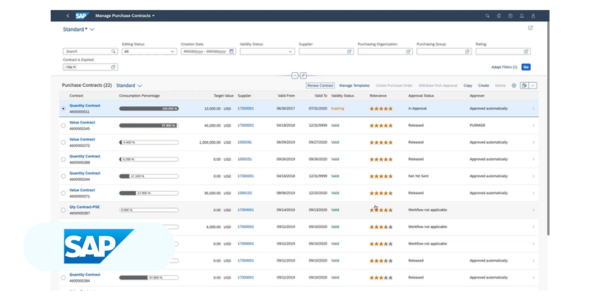
SAP S/4HANA is one of the most complete ERP platforms available. It is built for complex finance operations, multi-entity structures and global compliance. It gives enterprises detailed control over finance, supply chain and procurement.
But SAP automation for AP often needs heavy customisation or third-party tools. The interface can be hard for AP teams to use, approval workflows aren’t flexible, and adapting the system to real invoice processes usually falls to IT. So many SAP users add a specialist AP platform for invoice capture, approvals and exceptions.
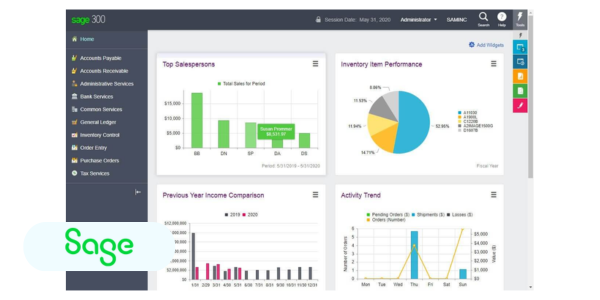
Sage is a trusted choice for small and mid-sized businesses that want simple accounting, reporting and payroll. People like its simplicity, familiar interface and low cost of entry. For finance teams with basic needs and little IT support, it gets core functions running quickly.
But Sage’s automation is limited. Invoices must be uploaded and processed by hand, approvals are basic and there is no smart data capture or real-time invoice tracking. As companies grow or their AP gets more complex, many turn to tools like Kefron to fill the gaps and rely less on spreadsheets.
If your team is swamped by invoices, approval delays or manual exceptions, it is probably time to look at modern accounts payable automation.
Here are clear signs it’s worth adding a tool like Kefron AP to your ERP:
The good news? You don’t have to. Kefron is designed to work with your ERP, not replace it, whether that is NetSuite, Oracle, SAP, Sage or Dynamics 365 Business Central. Your general ledger and reporting stay where they are, and you add real AP automation on top.
Most ERPs weren’t built to automate AP. That’s fine, if you don’t need automation.
But if you are serious about scale, efficiency, compliance and freeing your team from busywork, you need something stronger.
Kefron AP gives you:
If your ERP’s AP module creates more work than it saves, it isn’t really automation. It is just admin dressed up as software. It is time to upgrade to automation that truly supports your team.