




Dynamics 365 Business Central Integration for Automated Invoice Processing

Automate accounts payable inside Microsoft Dynamics 365 Business Central with a direct integration that delivers accurate invoice capture and touchless processing.

business-central

Where Dynamics 365 Business Central Can Limit AP Efficiency

Dynamics 365 Business Central is a strong ERP, but AP processes often remain manual without dedicated Business Central automation.

Invoice Capture Limitations

Standard capture struggles with complex invoices, tax details, and international formats.

PO Matching Exceptions

Partial receipts often require manual handling, delaying approvals.

Inflexible Approvals

Workflow changes are tied to ERP configuration and can be slow to update.

Duplicate Risk in Multi-Company Setups

Managing suppliers and preventing duplicate invoices becomes harder at scale.

Limited AP Visibility

Tracking invoice status and bottlenecks across Business Central companies is challenging.

Supplier Communication Gaps

Supplier queries sit outside Business Central, reducing efficiency and audit clarity.

Why Choose Kefron for Business Central AP Automation

Kefron AP extends Dynamics 365 Business Central with intelligent invoice automation, reducing manual AP work while keeping Business Central as the system of record.

sync

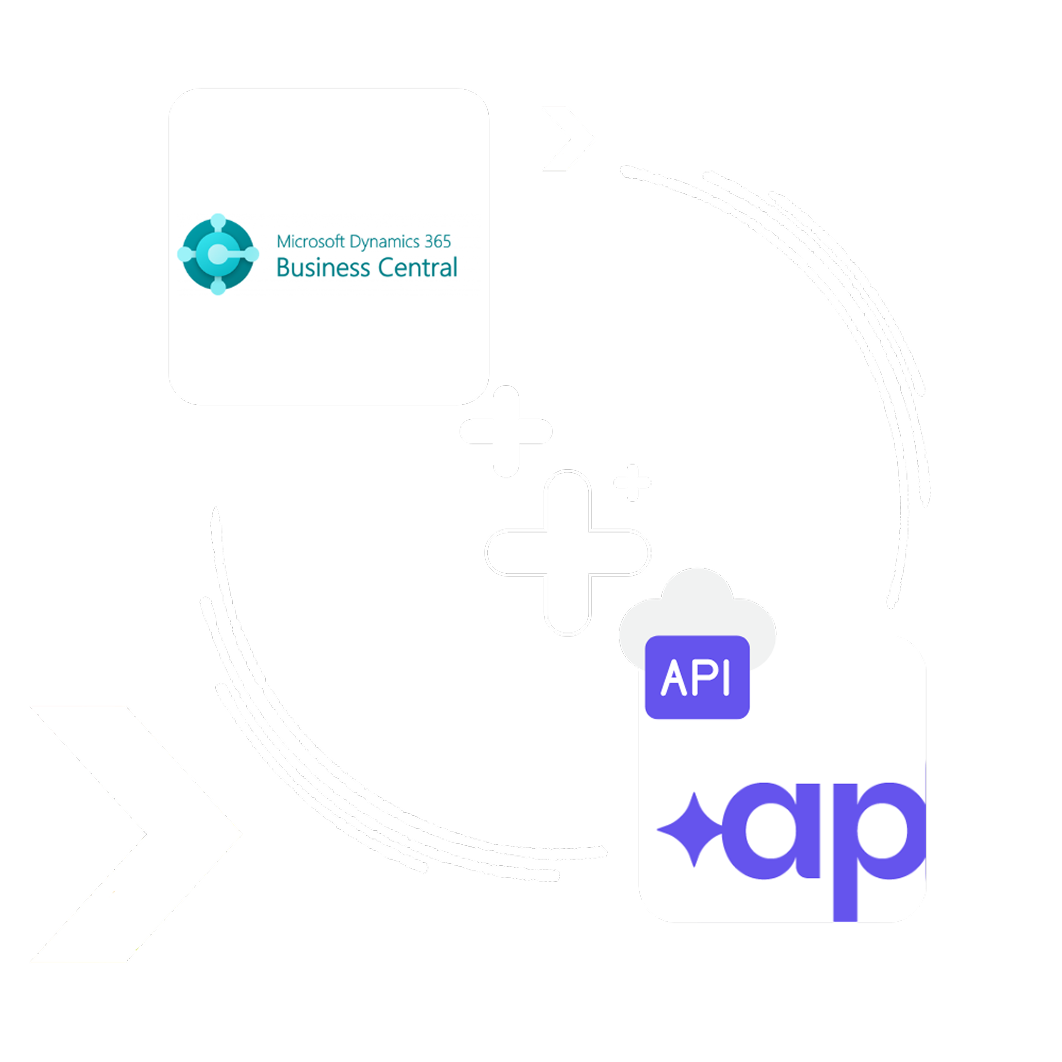
Direct API-based Business Central integration

Secure APIs keep invoices, POs, receipts, suppliers, and approvals synchronised in real time, without middleware or manual uploads.

accurate

High-Accuracy Invoice Automation

Adaptive AI handles changing invoice layouts and international formats, reducing errors and exceptions.

built

Built to Scale

Supports multi-company and multi-currency Business Central environments as invoice volumes grow.

ready

Microsoft Business Central Expertise

Automation aligns with your Business Central data structure, controls, and reporting needs.

Intelligent Business Central Integration for AP Teams

Kefron AP connects to Dynamics 365 Business Central through secure APIs to streamline invoice workflows and reduce manual processing without complex ERP configuration.

Automated Invoice Capture & Processing Supplier Self-Service Portal Automated Invoice & PO Matching Smart Workflows & Approvals Flexible Invoice Coding Automation Dashboards & Audit Compliance Dashboards & Audit Compliance Dashboards & Audit Compliance
Automated Invoice Capture & Processing

Strengthen Cash Flow Control

Improve payment accuracy and forecasting across Dynamics 365 Business Central.

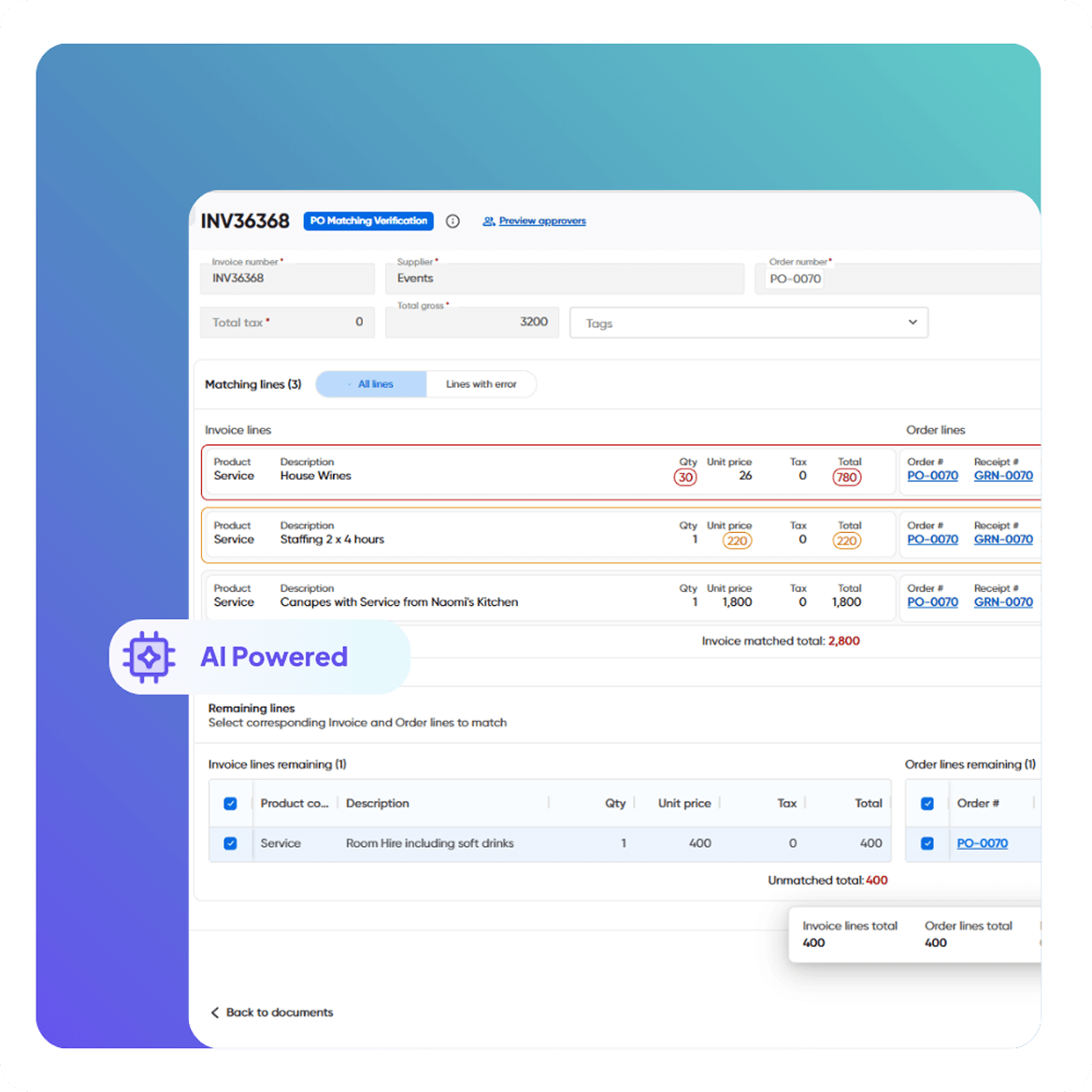
  • Automated 2- and 3-way matching within Business Central
  • Validation of due dates, currencies, and tolerances
  • Controls to prevent overpayments using Business Central data
  • Real-time alignment of invoices, POs, and receipts
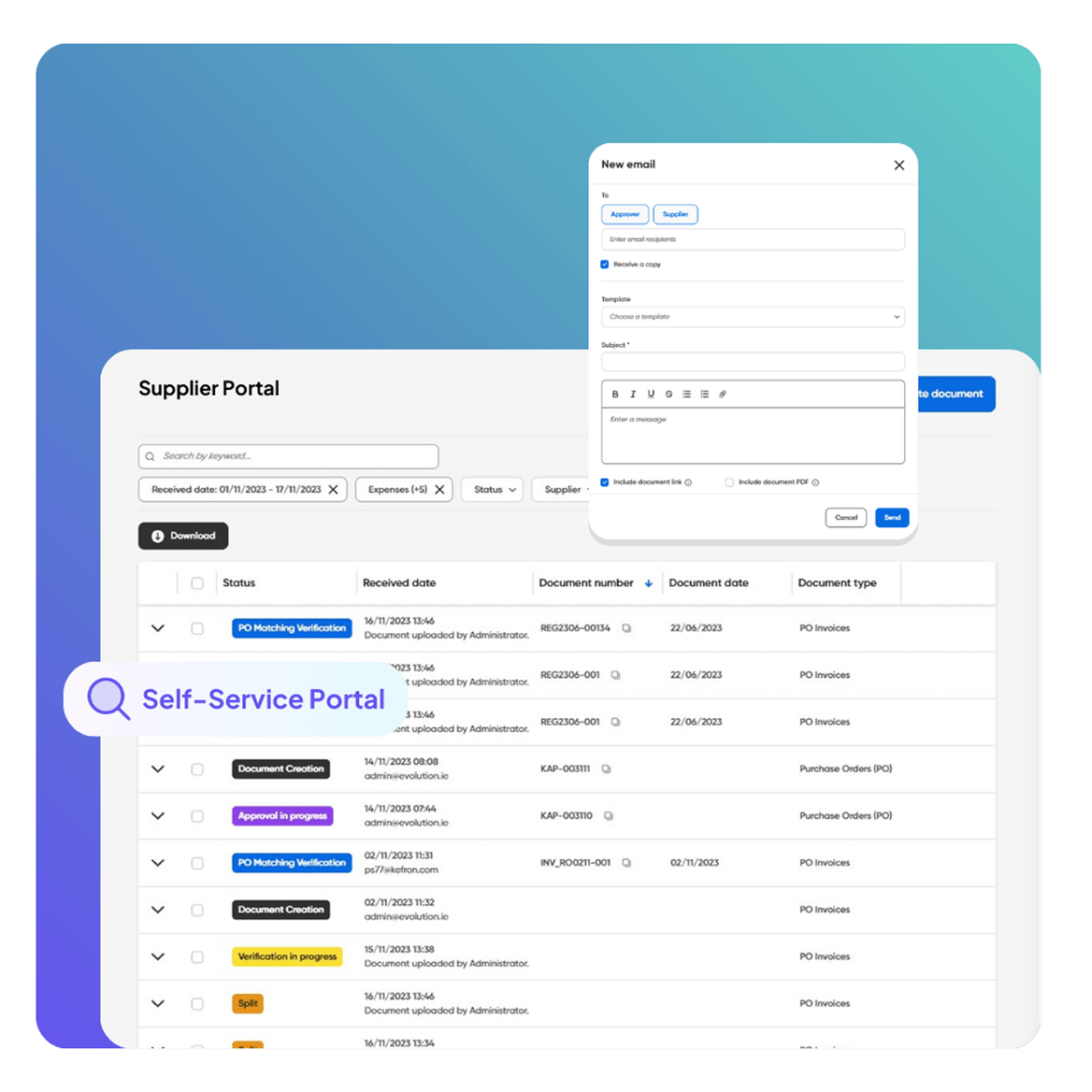
Supplier Self-Service Portal

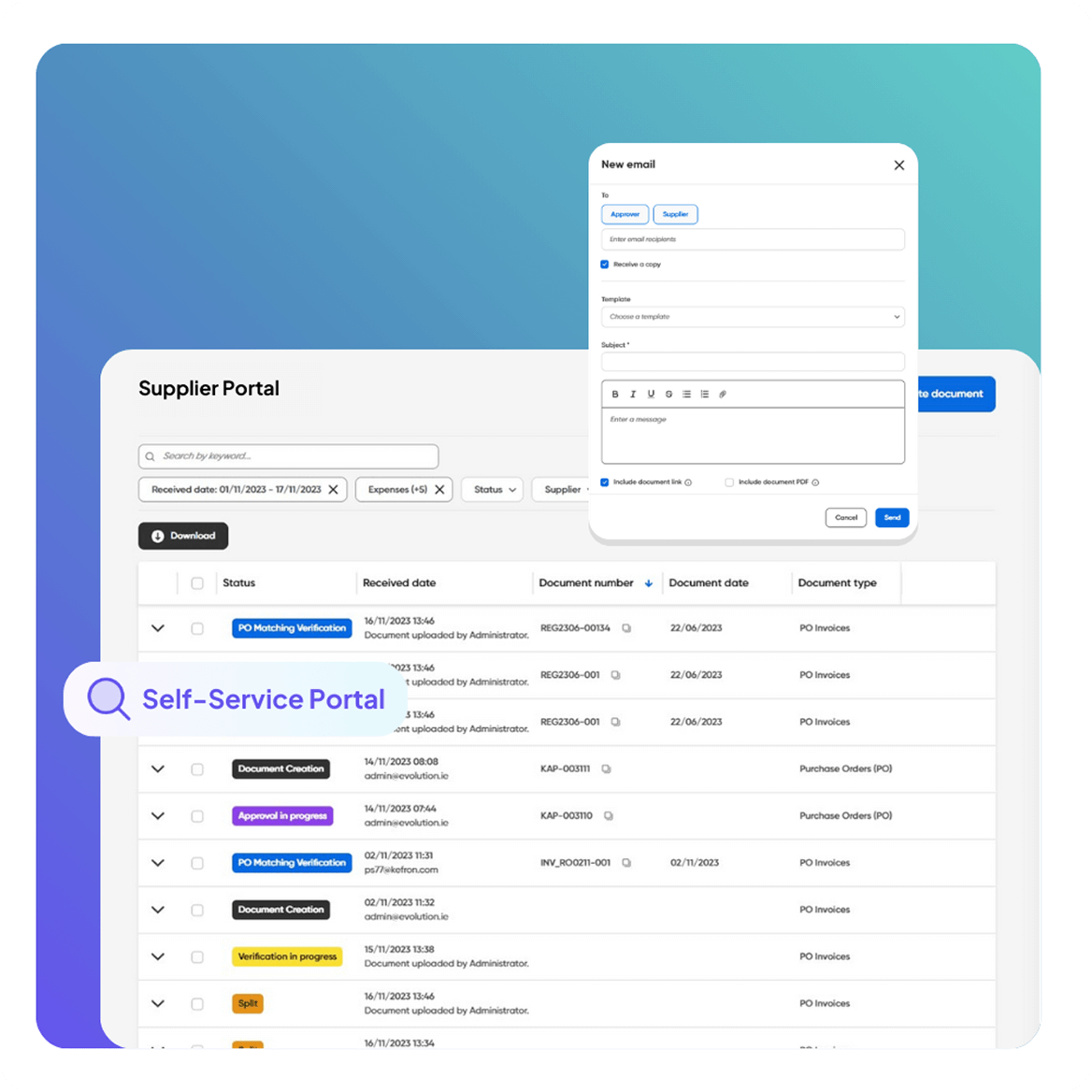
Supplier Self-Service Portal

Reduce supplier emails without giving access to Business Central.

  • Real-time invoice and payment status through Business Central integration
  • Branded portal with invoice history and statements
  • Role-based access for unlimited suppliers
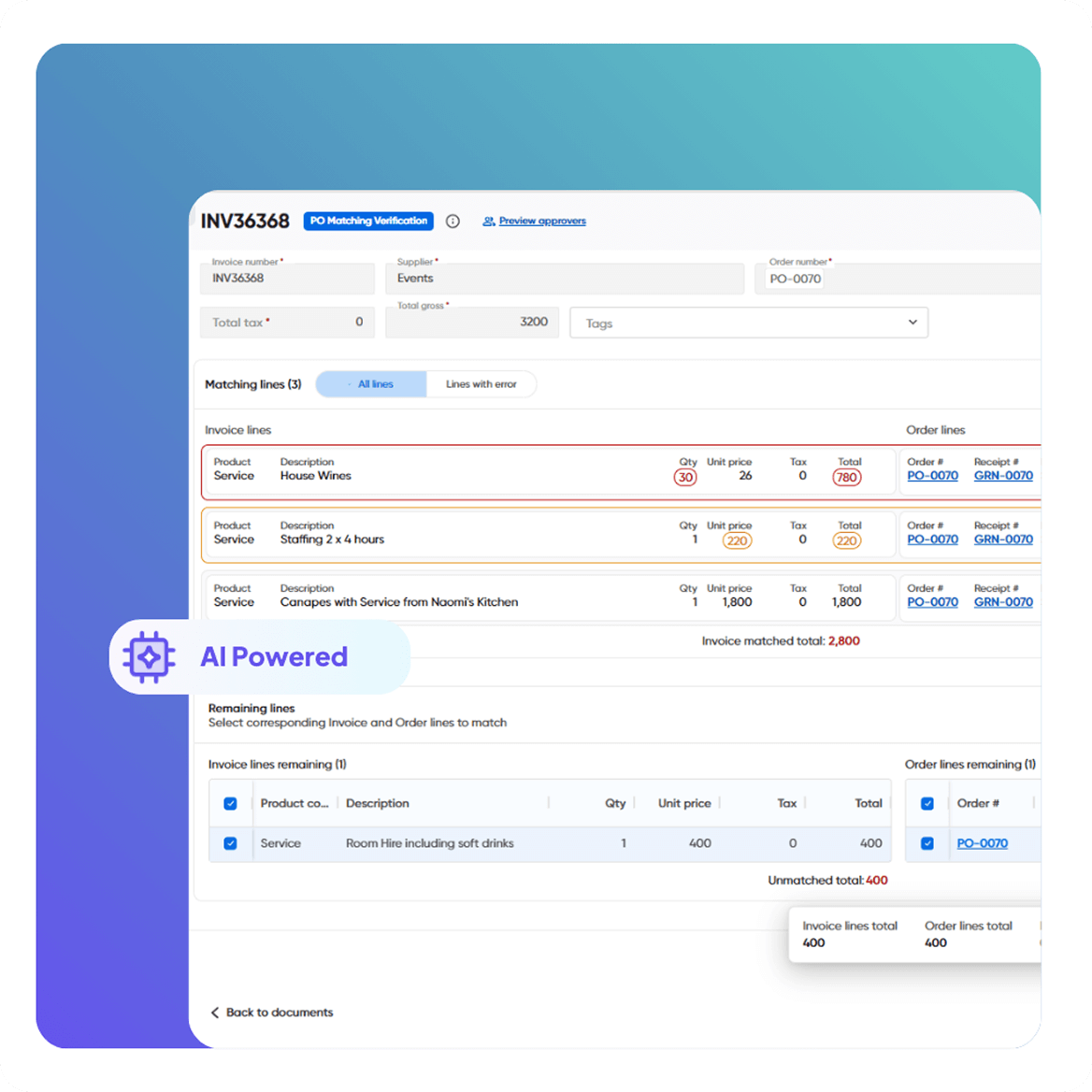
Automated Invoice & PO Matching

AI-Powered Invoice Capture

Adaptive invoice capture without templates or ongoing rule management.

  • Extracts data from PDFs, XML, EDI, and scanned invoices
  • AI combined with human validation for high accuracy
  • Learns new supplier formats as volumes increase
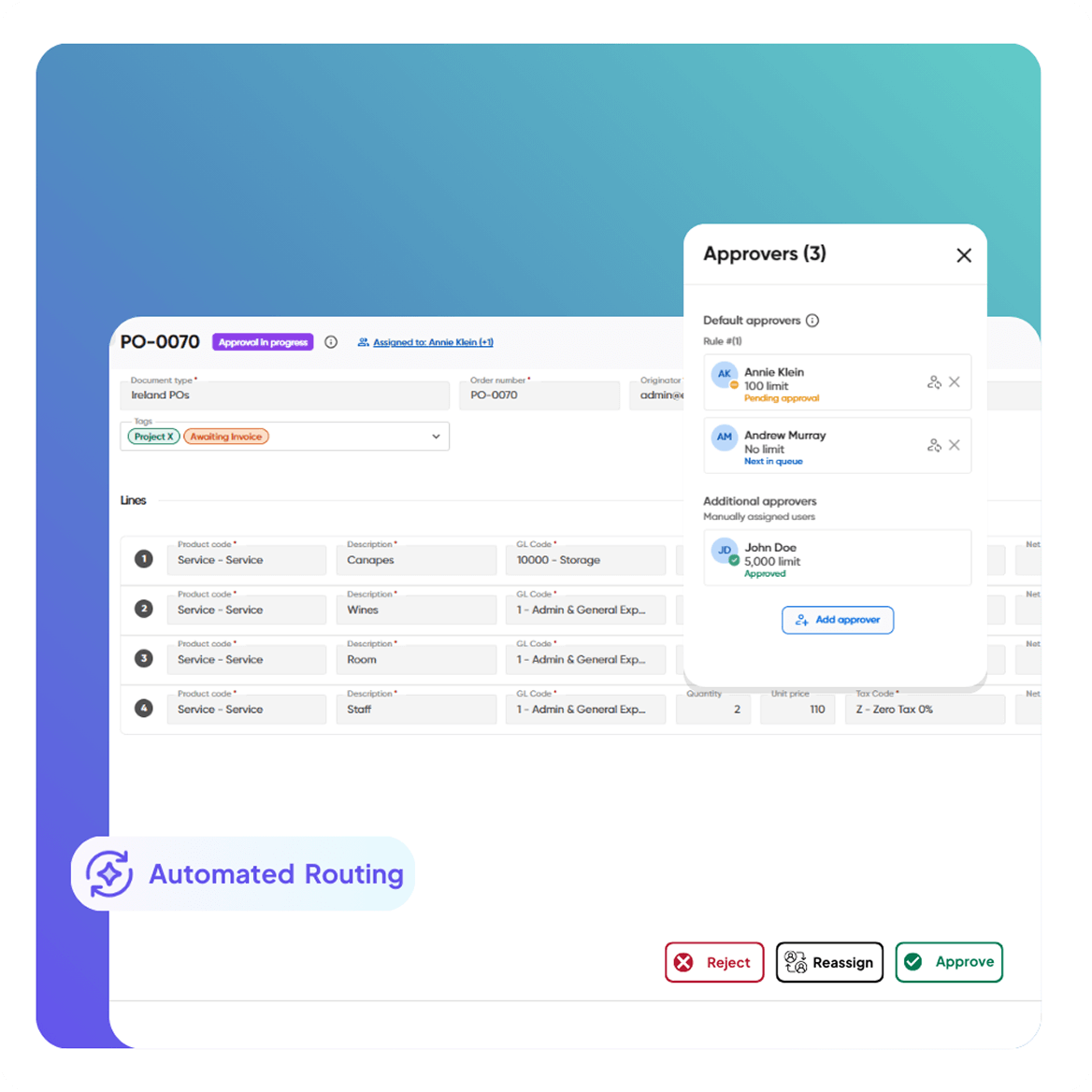
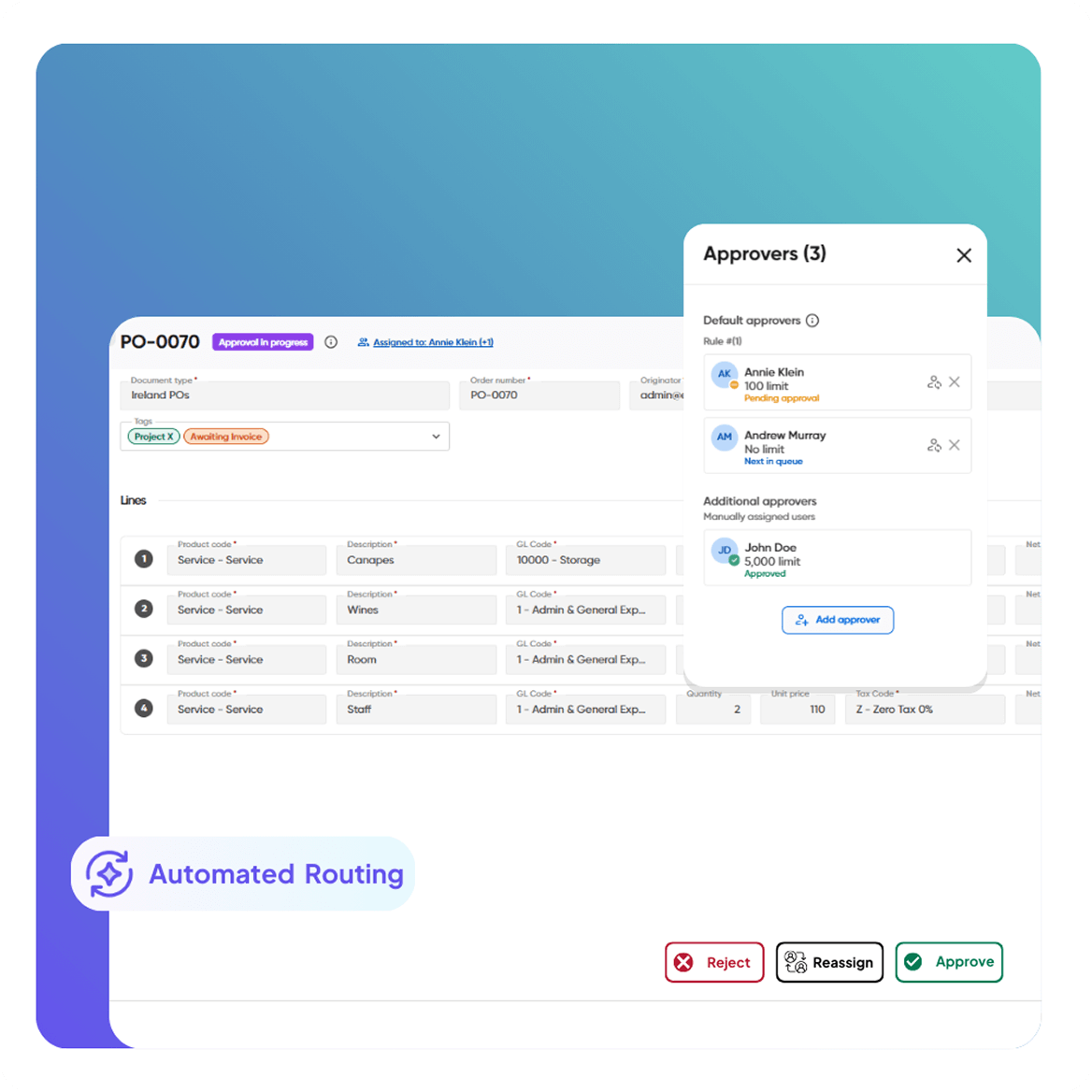
Smart Workflows & Approvals

Real-Time Invoice Visibility

Clear insight from invoice receipt to posting in Business Central.

  • Track invoices by status: pending, blocked, overdue, approved
  • Search by supplier, PO number, value, or date
  • Secure, searchable, audit-ready document archive
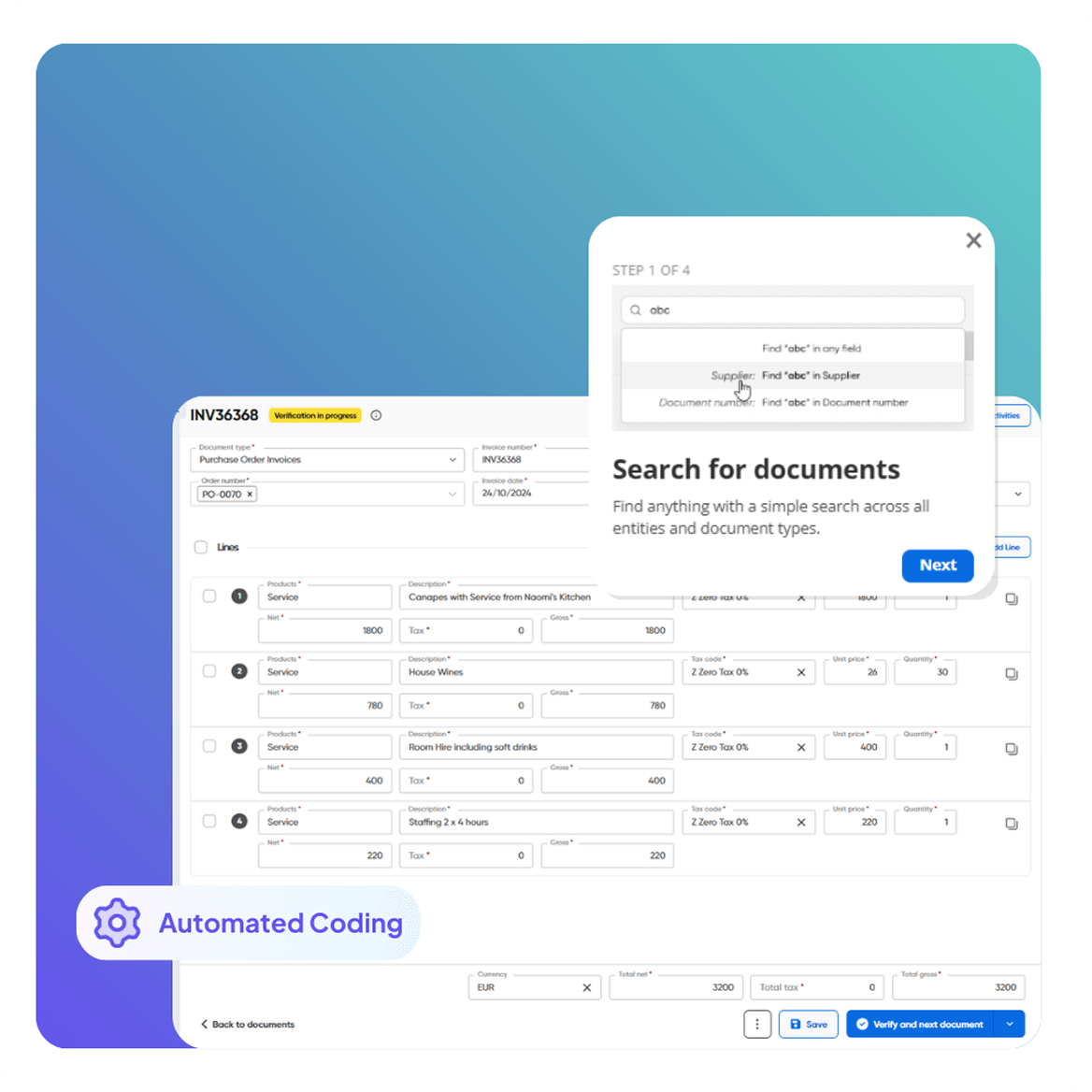
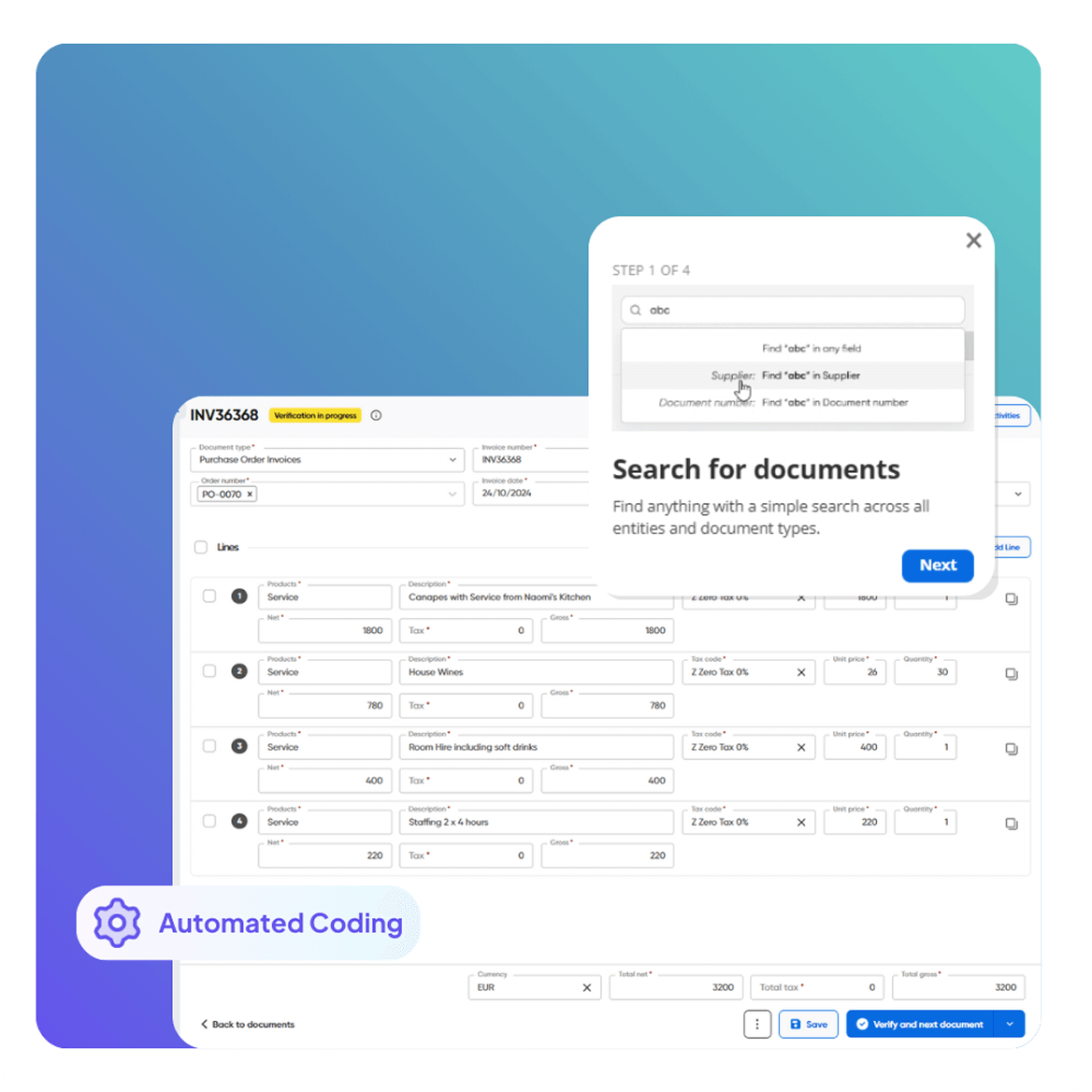
Flexible Invoice Coding Automation

Fraud Prevention & Duplicate Detection

Reduce financial risk before invoices reach Business Central.

  • Automatic duplicate invoice detection
  • Approval thresholds set by role, value, or company
  • Full audit trail linked to every transaction
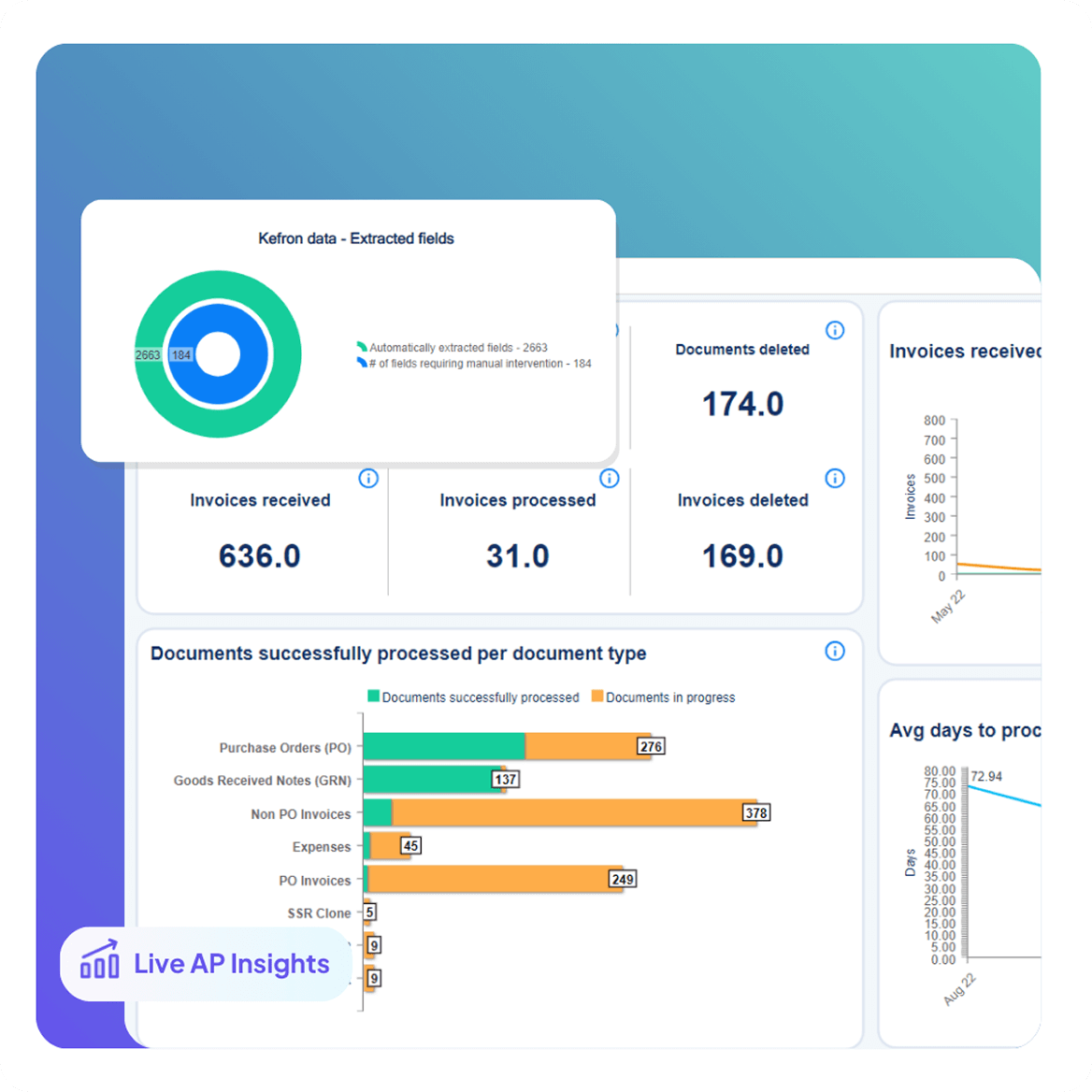
Dashboards & Audit Compliance

Automated Statement Matching

Speed up supplier statement reconciliation.

  • Match statements to open invoices and POs automatically
  • Instantly highlight discrepancies and missing items
  • Keep the AP ledger accurate and month-end ready
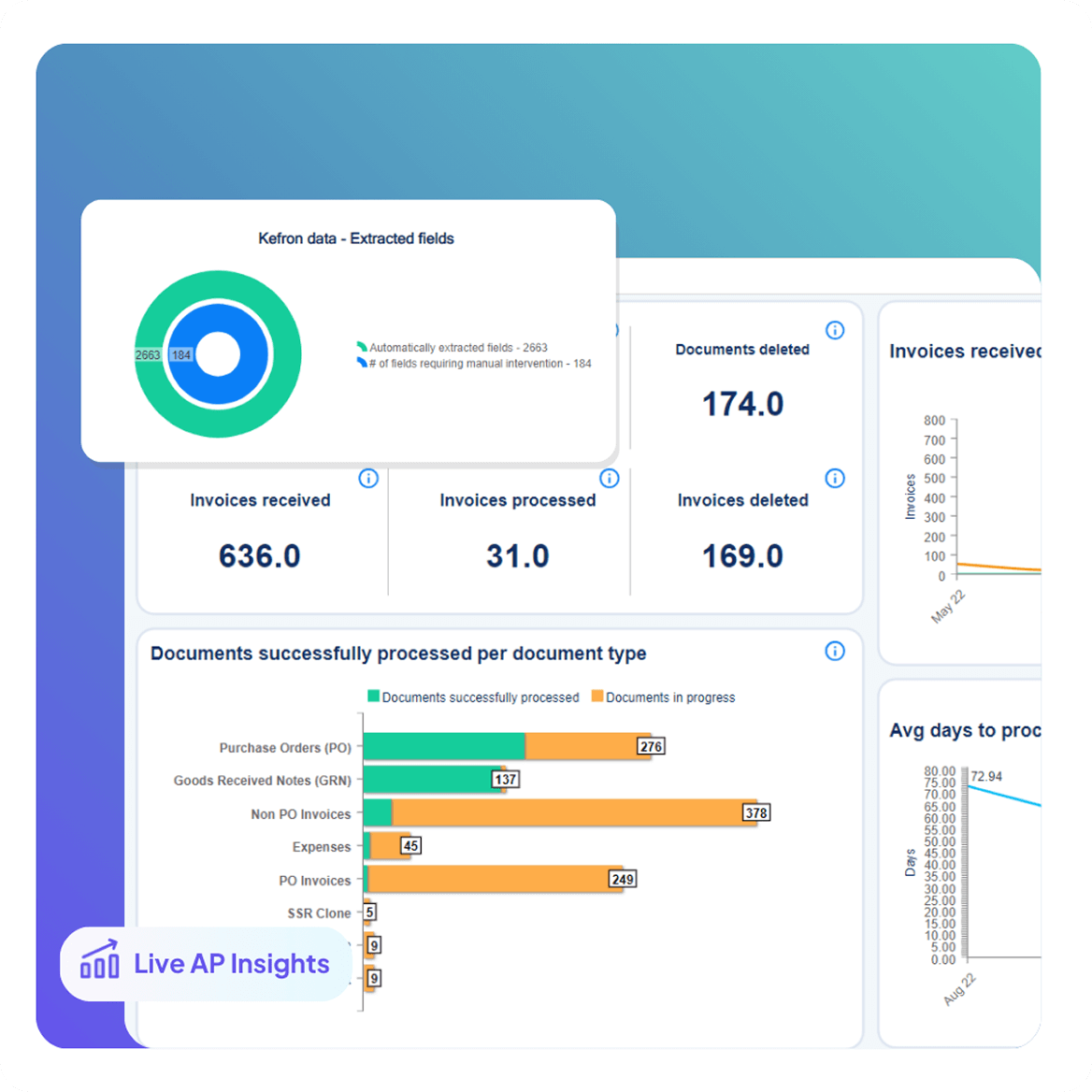
Dashboards & Audit Compliance

Analytics & Perfromance Reporting

Real-time visibility into AP performance.

  • Monitor invoice volumes, exceptions, and cycle times
  • Compare performance across companies and approvers
  • Export audit-ready reports for finance teams and auditors
Dashboards & Audit Compliance

Fast Deployment & End-to-End Integration 

A low-disruption rollout designed for finance teams using Microsoft Dynamics 365 Business Central.

  • Go live with minimal IT involvement
  • Direct API integration with Business Central
  • No middleware, scripting, or manual uploads
  • Ongoing optimisation delivered by Business Central specialists

Business Central Data Synchronisation 
Without Disruption

Kefron AP uses secure API integration to keep critical AP data continuously aligned with Dynamics 365 Business Central, ensuring automation runs accurately without changing your existing ERP setup.

Supplier Lists

Always up-to-date vendor information.

GL Codes

Accurate, consistent coding across entities.

Goods Received Notes

Line-level 2- and 3-way matching.

Custom Fields

Capture what matters most to your business.

Tax Codes

Compliant entries with local tax rules applied.

Purchase Orders

Synced directly to match invoices automatically.

Custom Segments

Tailored to your Oracle environment.

Custom Columns

Extend reporting and workflows with precision.

Testimonials:

What Finance Teams Using Business Central Say

Business Central Expertise Built Around Your AP Team

Kefron combines deep accounts payable knowledge with proven Dynamics 365 Business Central integration to ensure invoice automation delivers practical value in day-to-day finance operations.

Icons1

Microsoft Dynamics Expertise

Automation is aligned with Microsoft standards and supported integration frameworks to ensure long-term compatibility as Business Central evolves.

icon1-1

Continuous Optimisation

Invoice automation is refined over time as volumes, suppliers, and business requirements change, improving accuracy and efficiency.

Icons2-2

Advanced AP Workflows

Approval routes, thresholds, and exception handling are configured to reflect how finance teams work within Business Central.

Icons

Tailored Business Central Configuration

The integration adapts to your data model, controls, and reporting needs, avoiding one-size-fits-all templates.

From Invoice to Business Cental in 
One Automated Flow

Kefron AP delivers end-to-end Dynamics 365 Business Central invoice automation, capturing invoices at source and posting them directly into Business Central through secure API integration.

invoice1

Invoice arrives via email or upload

invoice2

AI extracts and structures the data

invoice3

Data assurance team reviews flagged fields

invoice4

Invoice is coded, matched, and routed for approval

invoice5

Final validation and ERP sync

invoice6

Archived with full audit trail

CASE STUDY

AP Automation with Microsoft Business Cental

How integrating Dynamics NAV with an invoice processing system streamlines AP Processes

cvs-img

See Business Central Invoice Automation in Action

Kefron AP helps finance teams using Microsoft Dynamics 365 Business Central automate invoice processing, reduce approval delays, and scale accounts payable through secure, API-based integration.

invoice-img

Frequently asked questions:

faq-blue-icon

What is Dynamics 365 Business Central integration?

Dynamics 365 Business Central integration is the secure connection between Business Central and other systems, such as CRM, ecommerce, banking, payroll, and reporting tools. Integration allows data to flow automatically between systems, removing manual re-keying and ensuring finance, operations, and sales teams work from consistent, up-to-date information.

What is Business Central automation?

Business Central automation uses workflows, job queues, and integrations to handle recurring tasks automatically, such as postings, approvals, notifications, and data updates. When combined with external automation tools, it enables touchless processes across invoicing, expenses, collections, and order management.

How does Business Central integration support AP and finance automation?

Integrating Business Central with AP automation allows invoices to be captured, validated, and approved before posting directly into Business Central. This reduces manual data entry, shortens processing times, and improves visibility of cash flow, liabilities, and approval status within the ERP.

Does integrating Business Central require custom development?

In many cases, no. Standard Business Central APIs, pre-built connectors, and Power Automate flows can handle common integration scenarios with minimal custom code. Custom development is usually only required for complex legacy systems or highly specialised business logic.

How long does a Business Central integration project typically take?

A straightforward integration using standard connectors can often be delivered in a few weeks. More complex projects involving multiple systems, historical data migration, or custom workflows may take several months, depending on scope and governance.