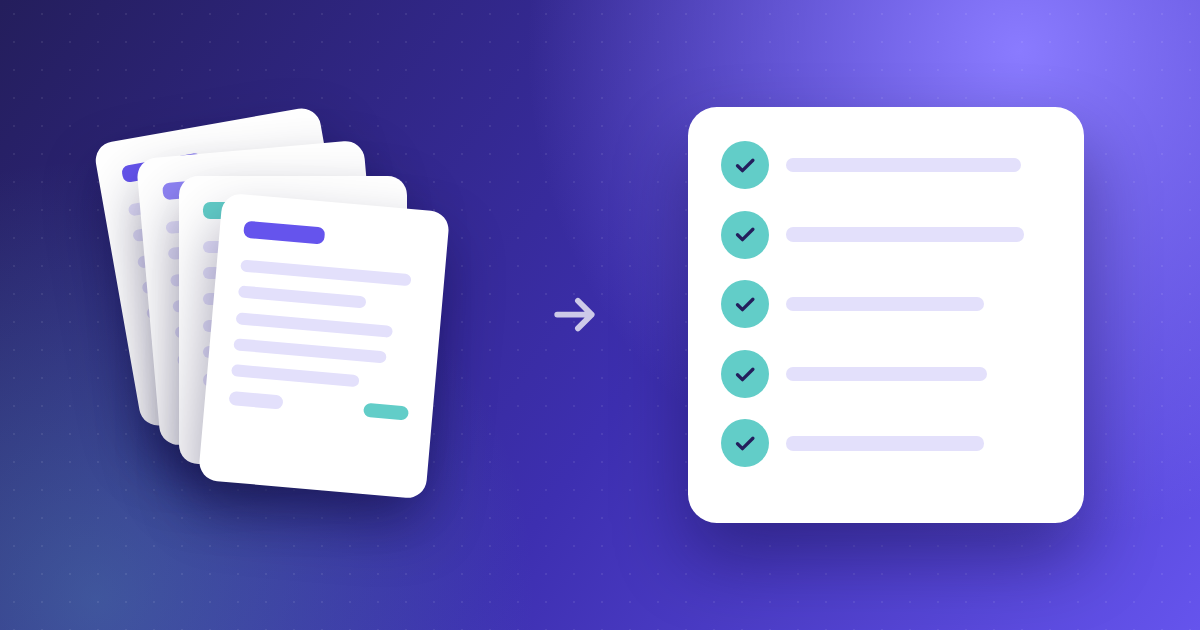
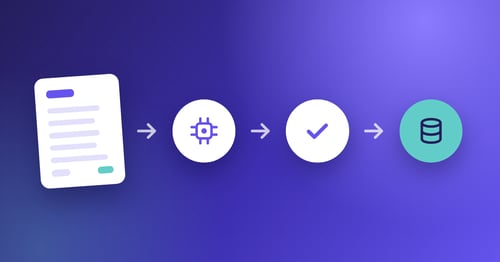
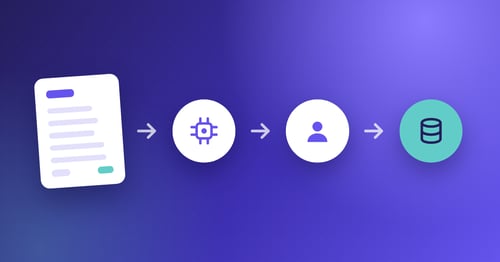
If your finance team still handles invoices manually, you already know the cost: lost paperwork, delayed approvals, and hours spent on data entry that could go toward strategic work. Moving your accounts payable to a paperless workflow eliminates these bottlenecks while giving you real-time visibility into every invoice.
The shift from paper-based to digital AP is more than a convenience upgrade. It directly impacts processing speed, error rates, and cash flow visibility. This guide walks you through every step, from assessing your current process to automating approvals and integrating with your ERP.
Quick Guide: How to Move AP to a Paperless Workflow in 7 Easy Steps
- Audit your current AP process: Document every step from invoice receipt to payment approval.
- Define your paperless goals and KPIs: Set measurable targets for processing time and cost reduction.
- Choose the right AP automation software: Kefron AP delivers 99% data accuracy with AI-powered capture.
- Digitize your existing invoices and records: Convert paper documents to searchable digital files.
- Configure automated workflows and approvals: Route invoices based on amount, vendor, or department.
- Integrate with your ERP or accounting system: Sync data automatically to eliminate double entry.
- Train your team and go live: Ensure every stakeholder knows how to use the new system.
How to Transition Your Accounts Payable to a Paperless Workflow
1. Audit Your Current AP Process
Before you can improve your AP workflow, you need to understand exactly how it operates today. Map out each step an invoice takes from the moment it arrives until payment is scheduled.
Document who handles each task, how long it takes, and where delays typically occur. Look for common pain points like missing invoices, duplicate payments, or approval bottlenecks. This baseline gives you a clear picture of what needs to change.
Interview your AP team members directly. They will know which vendors send incorrect invoices. They will know which approvers delay approvals. They will know where manual data entry errors often occur.
2. Define Your Paperless Goals and KPIs
Clear goals keep your project on track and help you measure success. Start by identifying what matters most to your finance team and leadership.
Common KPIs for paperless AP include cost per invoice. They also include invoice cycle time from receipt to approval. Other KPIs include exception rate and late payment frequency. Document your current numbers so you can track improvement after implementation.
Set realistic targets based on industry benchmarks. Understanding what AP automation actually costs at this stage helps you build a business case that survives finance scrutiny later.
3. Choose the Right AP Automation Software
Not all AP automation platforms are equal. You need software that fits your invoice volume, integrates with your existing systems, and supports your team's workflows.
Look for core AP automation features including AI-powered data capture, automated approval routing, two-way and three-way PO matching, and ERP integration. A dedicated support team also matters when you are moving from manual processes.
Kefron AP handles over 1,000 invoice formats without manual templates, processes documents in 100+ languages, and extracts header and line-item data from PDFs, scans, XML and EDI. Higher extraction accuracy means fewer exceptions for your team to review.
Pricing models vary significantly between vendors — some charge per invoice, others per user, others a flat fee. Compare how AP automation is priced before you shortlist, because the model matters more than the headline number once volumes grow.
4. Digitize Your Existing Invoices and Records
Your paperless workflow needs a clean starting point. This means converting existing paper invoices and historical records into searchable digital formats.
Batch scan any backlog of paper invoices using a high-speed scanner. Make sure files are saved in formats your new AP software can read, typically PDF or image files. Store them in a central location your team can access.
Going forward, set up a dedicated email address where vendors send invoices directly. This eliminates the mail sorting step entirely and ensures every invoice enters the same digital queue. Modern automated invoice processing captures from any channel — email, scan, XML or EDI — and applies the same validation and coding rules regardless of how the invoice arrived.
5. Configure Automated Workflows and Approvals
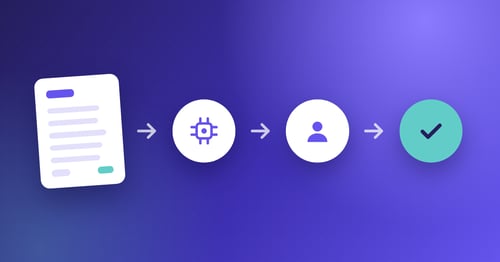
Automated workflows are where your paperless AP system starts delivering real value. Instead of manually routing invoices, the software handles this based on rules you define.
Set up routing logic based on your organizational structure. Invoices can be assigned by amount thresholds, vendor type, department, cost centre, or any combination. Kefron AP supports multi-level approval hierarchies that match your existing authority limits.
Configure escalation rules for invoices that sit too long without approval. Automated reminders keep things moving and reduce the follow-up work for your AP team.
Approval complexity varies enormously by sector. Multi-site operators in construction and retail typically need approvers spread across locations rather than sitting in finance, which changes how routing rules should be built.
6. Integrate with Your ERP or Accounting System
Your AP automation software should feed data directly into your ERP. Manual re-entry defeats the purpose of going paperless.
Kefron AP connects to over 70 ERP and finance systems including SAP, Oracle, NetSuite and NetSuite OneWorld, Microsoft Dynamics, Sage, Infor and Unit4, through real-time API or Kefron Konnect secure file transfer. Invoice data, GL codes and payment details sync automatically with full audit trails.
Test the integration thoroughly before go-live. Process a batch of test invoices end-to-end and verify the data appears correctly in your ERP. What to ask vendors about ERP integration is worth reading before this stage — integration gaps rarely appear during a demo and usually surface at the first month-end close.
7. Train Your Team and Go Live
The best AP automation software is worthless if your team does not use it correctly. Allocate time for proper training before you flip the switch.
Training should cover invoice submission for vendors. It should include approval steps for managers. It should explain exception handling for AP staff. It should cover reporting for finance leaders. Role-specific sessions work better than one-size-fits-all training.
Start with a pilot group if possible. Let one department or entity use the new system for two weeks, gather feedback, and make adjustments before the full rollout.
What Are the Biggest Benefits of Paperless AP?
Moving to paperless AP delivers measurable improvements across several areas that matter to finance teams.
Processing speed improves. Manual invoice handling routinely takes over a week from receipt to approval. Automated routing compresses this considerably, which accelerates your ability to capture early payment discounts.
Data accuracy increases when you remove manual data entry. Fewer corrections mean less rework, and clean validated data reaching the ERP is what keeps invoices touchless rather than merely digitised.
Visibility improves because every invoice sits in a single system. You can see where an invoice is in the approval process, who is holding it up, and how long it has been waiting. This makes forecasting and cash management significantly easier.
How Long Does It Take to Implement Paperless AP?
Implementation timelines vary based on invoice volume, number of entities, and ERP complexity. Most mid-market companies go live quickly with proper planning.
The first two weeks typically focus on discovery and configuration. Your vendor will learn your current processes, map your approval workflows, and configure the system to match your GL structure.
The next phase involves integration work, connecting the AP platform to your ERP and testing data flow in both directions. This is where most troubleshooting happens, and where integration depth either saves you weeks or costs you them.
The final weeks cover user training, pilot testing, and go-live support. Expect your vendor to stay engaged for at least 30 days after launch to help with exceptions and edge cases.
How Kefron AP Helps You Move to a Paperless AP Workflow
Kefron AP gives mid-market finance teams a practical path to paperless accounts payable. The platform combines AI-powered invoice capture with a dedicated Data Assurance Team that validates flagged fields, so you get accurate data from day one.
You can process invoices from PDFs, scans, emails, XML and EDI in over 100 languages. Kefron AP handles two-way and three-way PO matching automatically, routing exceptions to the right person based on your business rules.
With integration support for 70+ ERPs and a structured implementation process, Kefron helps finance teams cut manual handling while maintaining full audit trails. Request a demo to see how it works for your team.
see how it works for your team.
FAQs About How to Move AP to a Paperless Workflow
What is the first step in going paperless with AP?
The first step is auditing your current AP process. Document every stage of invoice handling from receipt to payment, identify bottlenecks, and measure baseline metrics like cycle time and error rates. This assessment shows where automation will have the biggest impact.
How much does paperless AP software cost?
Pricing varies by vendor and model. Some platforms charge per invoice, others per user, and some offer flat monthly fees. The useful comparison is cost per invoice before and after automation, not the licence fee in isolation. See how AP automation pricing works.
Can paperless AP work with my existing ERP?
Yes, most AP automation platforms are built for ERP integration. Kefron AP connects with over 70 ERP and finance systems through real-time API or secure file transfer. Integration ensures invoice data syncs automatically without manual re-entry, and maintains full audit trails for compliance. It does not integrate with QuickBooks or Xero. More on ERP integration.
How long does it take to see ROI from paperless AP?
ROI depends on your starting point — invoice volume, current cost per invoice, and how much of your processing is manual today. The calculation is straightforward once you have your baseline cost per invoice, which is why step one of this guide matters. Work through the cost comparison here.
What happens to paper invoices we receive after going paperless?
You can still accept paper invoices in a paperless system. Set up a dedicated scanning station or mailbox where paper documents are digitized on arrival. Once scanned, they enter the same automated workflow as electronic invoices. Over time, you can encourage vendors to submit electronically.
Is paperless AP secure?
Paperless AP is typically more secure than paper-based processes. Kefron AP includes role-based access controls, data encryption, single sign-on, and complete audit trails. Every action is timestamped and traceable, which reduces fraud risk and supports compliance requirements.