7 Best AP Software for High-Volume Mid-Sized Teams (2026)
When your AP team processes thousands of supplier invoices each month, the difference between a...
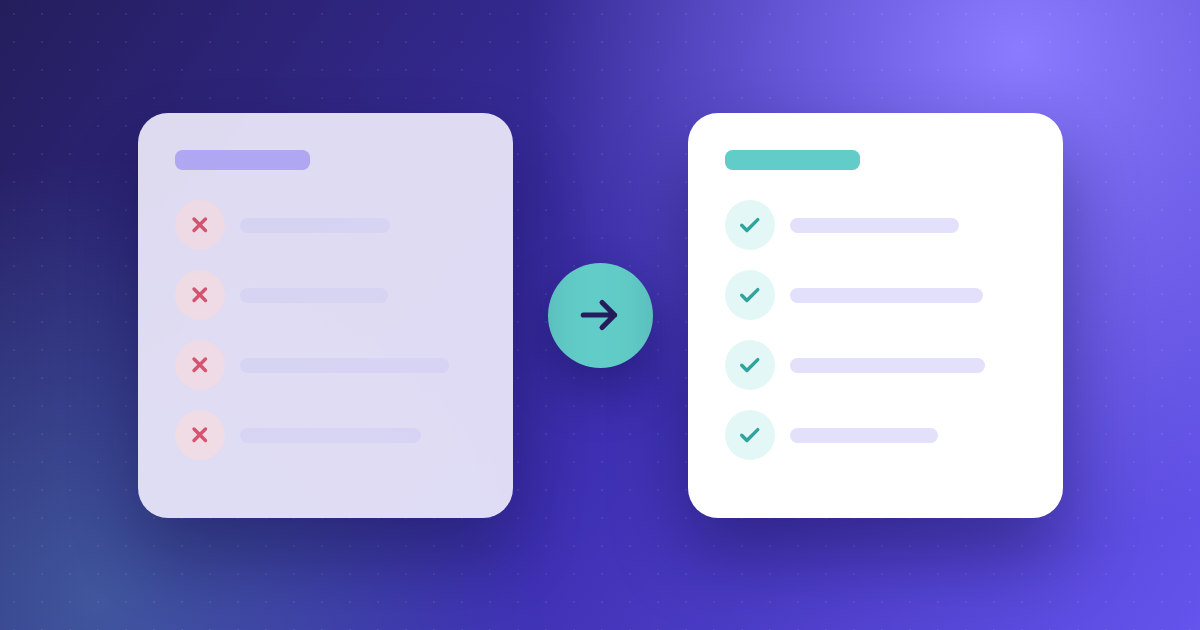
Every finance team knows the pain of chasing invoice approvals, correcting data entry mistakes, and reconciling records at month-end. These repetitive tasks drain time that could go toward cash flow analysis and supplier negotiations.
Accounts payable automation changes that equation. By replacing manual workflows with intelligent software, you can process invoices faster, catch errors before they become costly, and maintain full visibility across your entire AP function.
This article explains exactly how AP automation improves invoice processing, from data capture through payment, and what that means for your team's daily work.
Accounts payable automation is technology that handles the invoice-to-payment cycle digitally. It replaces manual steps like data entry, coding, approval chasing, and payment scheduling with software-driven workflows.
The result is faster processing, fewer errors, and complete visibility into where every invoice stands. For mid-market finance teams processing hundreds or thousands of invoices each month, that shift can recover dozens of hours per week.
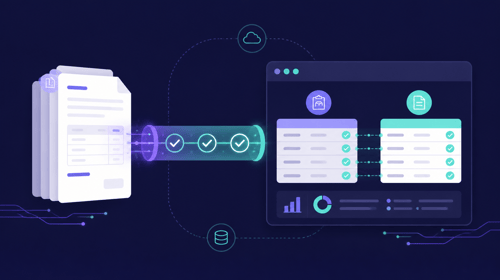
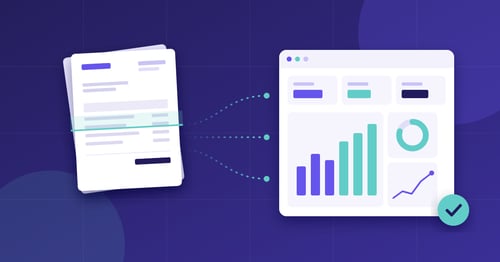
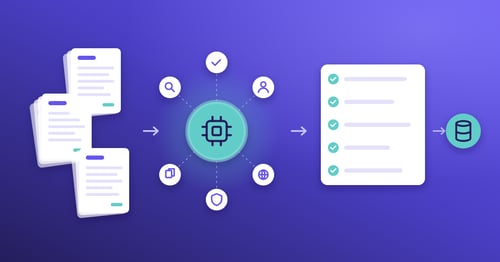
Speed improvements come from removing the manual touchpoints that slow invoices down. Instead of a person keying header data into your accounting system, AI-powered invoice capture reads and extracts fields in seconds.
Once captured, invoices move into automated coding. Machine learning applies the correct general ledger codes and cost centres based on past transactions, so your team no longer spends time looking up allocation rules.
From there, the system routes each invoice to the right approver with a single click. Automated reminders keep things moving, and approvers can sign off from any device.
AI and optical character recognition (OCR) work together to read invoices regardless of format. PDFs, scanned paper, XML files, and email attachments are all processed the same way.
Kefron AP delivers up to 99% data extraction accuracy through a combination of machine learning and expert validation. The system adapts to new supplier formats over time without requiring templates or manual setup.
That accuracy matters because unreliable data creates exceptions. Every exception means someone on your team has to stop, investigate, and correct the record before the invoice can move forward.
In a manual process, invoices sit in email inboxes waiting for someone to notice them. Approvals stall when people are on leave or simply overwhelmed.
Automated approval workflows route each invoice based on predefined rules such as value thresholds, department, vendor, or project. If an approver hasn't acted, the system sends a reminder automatically.
This structured routing means you always know exactly where an invoice is and who needs to act next. Teams using Kefron AP report processing times up to 80% faster compared to manual methods.
Payment errors often trace back to bad data earlier in the process. A mistyped invoice amount or an incorrect vendor code can result in duplicate payments, overpayments, or paying the wrong supplier entirely.
Automation addresses this at the source. Validated data extraction means amounts, dates, and vendor details are captured correctly the first time. Two-way and three-way PO matching confirms that what you received matches what you ordered and what the supplier billed.
Kefron AP's three-step duplicate and fraud prevention system flags discrepancies before payment goes out, giving your team confidence that every payment is legitimate and correct.
Strong internal controls depend on visibility and traceability. When invoices move through paper-based or email-driven processes, it becomes difficult to enforce spending policies consistently.
AP automation gives you a timestamped audit trail for every action taken on an invoice. You can see who approved what, when they approved it, and what the invoice looked like at each stage.
This level of detail simplifies audit preparation and helps you demonstrate compliance with internal governance policies and external regulations. According to the 2025 IFOL Accounts Payable Automation Trends report, 64% of AP professionals reported that outdated processes cause significant stress, often tied to lack of visibility and control.
Your ERP holds the master data your AP workflow needs: vendor records, GL codes, purchase orders, and payment schedules. When your AP system and ERP are disconnected, someone has to re-enter data manually, which creates errors and delays.
A connected AP automation platform syncs approved invoices, vendor details, and payment updates directly with your ERP in real time. Kefron AP integrates with 70+ ERP systems via API or secure file transfer, with no heavy IT lift required.
That integration keeps your financial records accurate across systems and eliminates the reconciliation headaches that come with disconnected tools.
Finance teams handling a growing volume of invoices see the most immediate impact. If your team processes more than a few hundred invoices monthly, manual methods start creating visible bottlenecks.
Mid-market organisations often feel this pressure most acutely. You have the transaction volume of a larger enterprise but not always the headcount to match. AP automation for mid-market teams lets you scale invoice volume without adding staff.
CFOs, controllers, AP managers, and finance operations leads all benefit. Each gains better visibility, tighter controls, and more predictable cash flow.
Not all solutions cover the full invoice lifecycle. Some focus only on capture, leaving you to manage coding, approvals, and payment elsewhere.
Look for a platform that handles the complete workflow from invoice receipt through ERP-ready output. Key capabilities to evaluate include AI-powered data extraction, automated coding, configurable approval workflows, PO matching, and native ERP connectivity.
You also want a system that adapts to your processes rather than forcing you into a rigid template. Kefron AP is built to fit around your existing structures, with custom workflows, multi-level approvals, and support for multiple entities and currencies.
AP automation removes the manual steps that slow invoice processing, introduce errors, and limit your team's capacity. From AI-powered data capture to automated approvals and real-time ERP synchronisation, every stage of the invoice lifecycle becomes faster and more reliable.
For finance leaders evaluating process improvements, the case is clear: automating accounts payable frees your team to focus on analysis, strategy, and supplier relationships rather than data entry and chasing approvals. If you're ready to see what that looks like in practice, explore how to get started and discover what Kefron AP can do for your team.
The main benefit is speed. AP automation cuts the time between receiving an invoice and approving it for payment. Kefron AP achieves this by automating data capture, coding, and approval routing, so invoices move through your workflow without manual delays.
Yes. Modern AP automation reads PDFs, scanned documents, XML, EDI, and email attachments. Kefron AP processes invoices in 100+ languages and adapts to new supplier formats automatically, with no templates required.
Automated systems flag duplicate invoices before they reach the payment stage. Kefron AP uses a multi-layer verification process that checks invoice numbers, amounts, and vendor details against existing records to prevent duplicates from entering your workflow.
Implementation timelines vary, but most mid-market teams can go live in six to eight weeks. Kefron AP includes guided onboarding with a dedicated Implementation Consultant who configures workflows and ERP connections for your specific environment.
Every action on an invoice is logged with a timestamp and user attribution, creating a complete audit trail. Kefron AP stores this information centrally, so you can pull the full history of any invoice in seconds during an audit rather than searching through emails or filing cabinets.