5 Best AP Automation Tools for D365 Finance and Operations (2026)
Dynamics 365 Finance and Operations (D365 F&O) already does more for accounts payable than most...
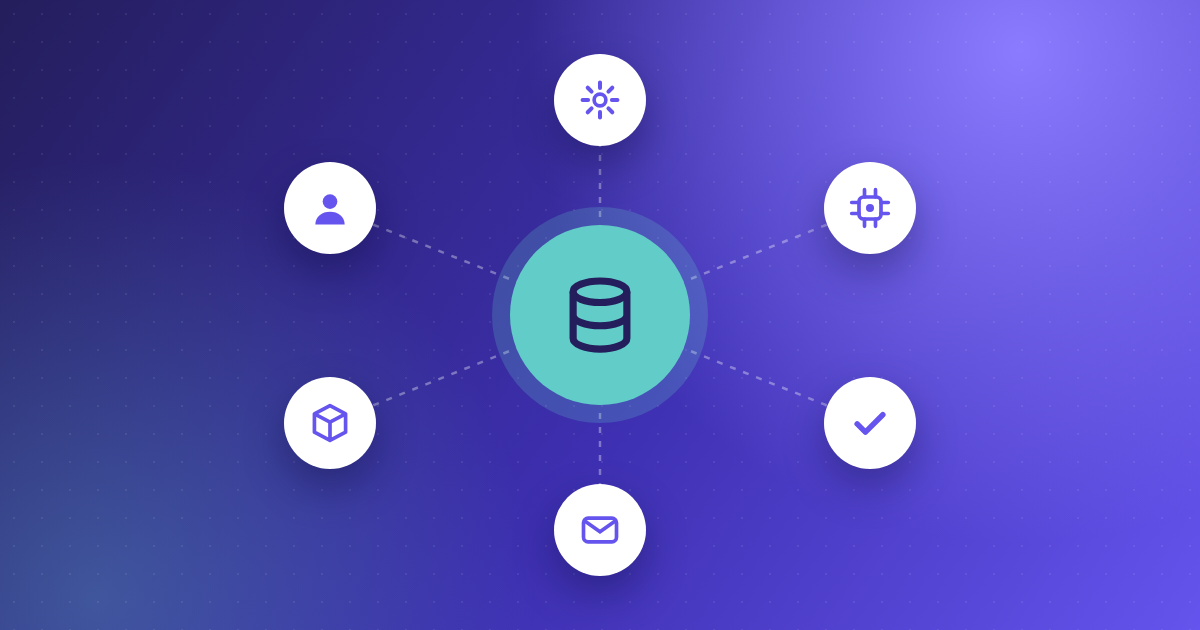
AP automation ERP integration is the connection between your invoice automation software and your finance system — and its quality varies enormously between platforms making identical claims. Strong integrations share four traits: two-way sync of master data, line-level matching against purchase orders, automated posting without manual intervention, and structured exception handling when a match fails. Ask vendors to prove all four against your specific ERP.
Search for invoice automation software and the comparisons all sort the same way: by number of connectors. One platform supports 70+ ERPs. Another claims 250+. A third lists 200+ accounting systems.
That number tells you almost nothing about what happens on a Tuesday afternoon when a supplier sends a non-PO invoice with a slightly wrong reference number.
Breadth of coverage is a procurement checkbox. Depth of integration determines whether your accounts payable team spends the week processing invoices or investigating exceptions. The two are frequently inversely related — platforms supporting hundreds of systems often support most of them through a flat file drop, an intermediate database, or a scheduled batch job.
Here are the eight questions that surface the difference.
Ask for the touchless processing rate. Not the OCR accuracy rate. Not the "straight-through processing capability." Not the time saved, based on a case study in another sector.
Touchless rate is the single number that captures whether the integration works, because it can only be high if capture, coding, matching, approval routing and ERP posting all function together. Any weak link shows up here. Data capture accuracy feeds directly into it — clean, validated data reaching the ERP without correction is what keeps invoices touchless rather than merely digitised.
What good looks like: A vendor asks about your PO vs. non-PO split, supplier count, and ERP system. They do this before quoting a number. Then they give a price range with clear conditions.
Red flag: A single headline percentage with no context, or a pivot to "efficiency gains of up to 80%."
ERP integration depth falls into four levels. Establish which one you're being sold.
| Level | What it does | What it costs you |
|---|---|---|
| File exchange | Scheduled CSV/XML drop into a folder or FTP | Manual reconciliation, batch delays, no status visibility |
| One-way push | Invoices posted to the ERP via API | Master data drifts; coding errors surface after posting |
| Two-way sync | Reads suppliers, GL codes, POs; writes invoices and status back | Works, provided the sync interval is short enough |
| Line-level two-way | Matches and writes at line item level, including exception status | The standard for PO-heavy environments |
Vendors rarely volunteer this distinction. Ask directly: what data moves in each direction, and how often? Platforms built for two-way ERP integration answer without hesitation, because it's a design decision rather than a workaround.
Worth saying: file-based integration isn't automatically a weakness. For legacy or high-volume setups without an API, structured XML or CSV files can work well.
You can transfer them over secure SFTP. The problem is file transfer sold as something it isn't.
Get a specific list of what syncs. At minimum, confirm handling for:
Custom dimensions are what catch people out. If you code invoices by project, entity, or location, the platform only sees your top-level chart of accounts.
So, you must code each invoice manually. This happens no matter how good the capture is.Ask who owns the mapping when a field changes — you, the vendor, or an implementation partner. How ERP integration works in practice is worth understanding before vendor conversations, because it reframes the discussion from features to data flow.
Header-level matching compares invoice totals to PO totals. Line-level matching compares each invoice line to each PO line, and each receipt.
If you run three-way matching on part-delivered orders, price variances, or orders with multiple receipts, header-level matching will pass invoices it shouldn't and reject invoices it should pass. Both outcomes land in the same place: a person opening the ERP to work it out manually.
Ask: Show me a partial delivery with a price variance on two of six lines, and walk me through what the system does. Platforms supporting line-level two- and three-way matching can demo this in minutes. Platforms that don't will talk about roadmap.
This is the question most evaluations skip, and where the actual labour sits. A platform with a 75% touchless rate is defined less by the 75% than by how efficiently it handles the remaining 25%.
Probe for:
This gets harder in multi-site and multi-entity environments, where the person who can resolve a discrepancy sits nowhere near finance. Sector-specific AP workflows — construction, retail, manufacturing — expose exception handling faster than a generic demo will.
In most finance teams, many invoices have no purchase order. These include utilities, professional services, subscriptions, rates, and one-off purchases.
Matching logic is useless here. What matters is whether the platform auto-codes non-PO invoices using supplier history. It should route them through your ERP authority matrix. Otherwise, each invoice becomes a manual task.
A platform built only for PO matching can show a strong touchless rate on paper. But it may still leave much of your volume untouched. Ask for the touchless rate on PO and non-PO invoices separately. If a vendor only has a blended number, that usually tells you which side is carrying it.
ERPs get upgraded, migrated and re-implemented. SAP ECC to S/4HANA. On-premise Dynamics to Business Central. A new entity added after an acquisition.
Ask:
Integration complexity is where implementation costs hide. Most vendors apply a one-off setup fee scaling with ERP complexity, so understanding how AP automation is priced before you shortlist saves an awkward conversation later. An integration built once by an implementation partner and then orphaned is a liability disguised as an asset.
Not a logo. A named reference using the same ERP, in a similar sector, with a similar invoice volume.
They should have a similar PO versus non-PO split.If a vendor supports hundreds of systems but can't produce a reference on yours, you'd be their pilot.
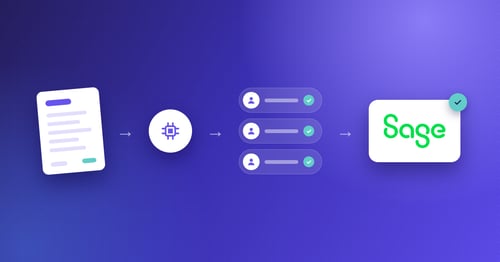
Kefron AP is invoice automation software for mid-market and enterprise finance teams in Ireland, the UK and North America. It connects to different ERP and finance systems, including SAP, Oracle, Microsoft Dynamics, Sage (50, 200, 1000, Intacct and X3), NetSuite and NetSuite OneWorld,Infor (Syteline, M3 Cloud, SunSystems), Unit4 and Agresso, and AccountsIQ.
Against the eight questions above:
Kefron AP does not integrate with QuickBooks or Xero. Teams running those systems are better served by SMB-focused platforms built around them.
Kefron AP is worth evaluating if you run a mid-market or enterprise ERP and handle a meaningful proportion of non-PO invoices alongside PO-matched volume. See how finance teams have restructured AP around ERP integration.
What is ERP integration in AP automation? ERP integration in AP automation is the direct connection between your invoice automation platform and your finance system, allowing invoice data to flow automatically in both directions. Approved invoices post to the ERP without rekeying, while supplier records, purchase orders and GL codes sync back into the automation platform.
How do ERP integration platforms handle data mapping and transformation? Through field-level mapping between the automation platform and the ERP's data structure, covering suppliers, GL codes, cost centres, tax codes and custom dimensions. Better platforms maintain this mapping as a configuration you can change; weaker ones hard-code it during implementation, meaning any ERP change requires vendor intervention.
What is the difference between two-way sync and file-based ERP integration? Two-way sync reads master data from the ERP and writes invoices and status back, usually via API and in near real time. File-based integration transfers batches of data as XML, CSV or flat files on a schedule. Two-way sync prevents master data drift; file-based transfer suits legacy systems without API access.
Does AP automation work with on-premise ERP systems? Yes. On-premise systems such as SAP ECC, older Microsoft Dynamics versions and Sage 1000 typically integrate through secure file transfer or a middleware connector rather than a cloud API. The integration method matters less than whether the data flows both ways and how often it syncs.
How do finance teams in mid-sized companies automate invoice processing? Most start by automating capture and coding, then add PO matching and approval routing, then connect the platform to the ERP for automated posting. Teams that connect the ERP last usually find touchless rates plateau, because manual posting caps how much of the process can run unattended.
Stop asking how many systems a platform integrates with. Start asking what percentage of your invoices reach your ERP without anyone touching them — and make every vendor answer with your ERP, your volume and your invoice mix in the question.
Evaluating AP automation ERP integration? Kefron AP will run the eight questions above against your current process and give you a realistic touchless rate estimate for your environment.