
AP Automation for Tire Dealerships: 71% Touch-Free
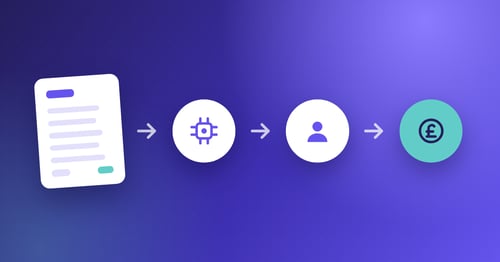
AP automation for tire dealerships uses AI to capture supplier invoices, match them line by line to...
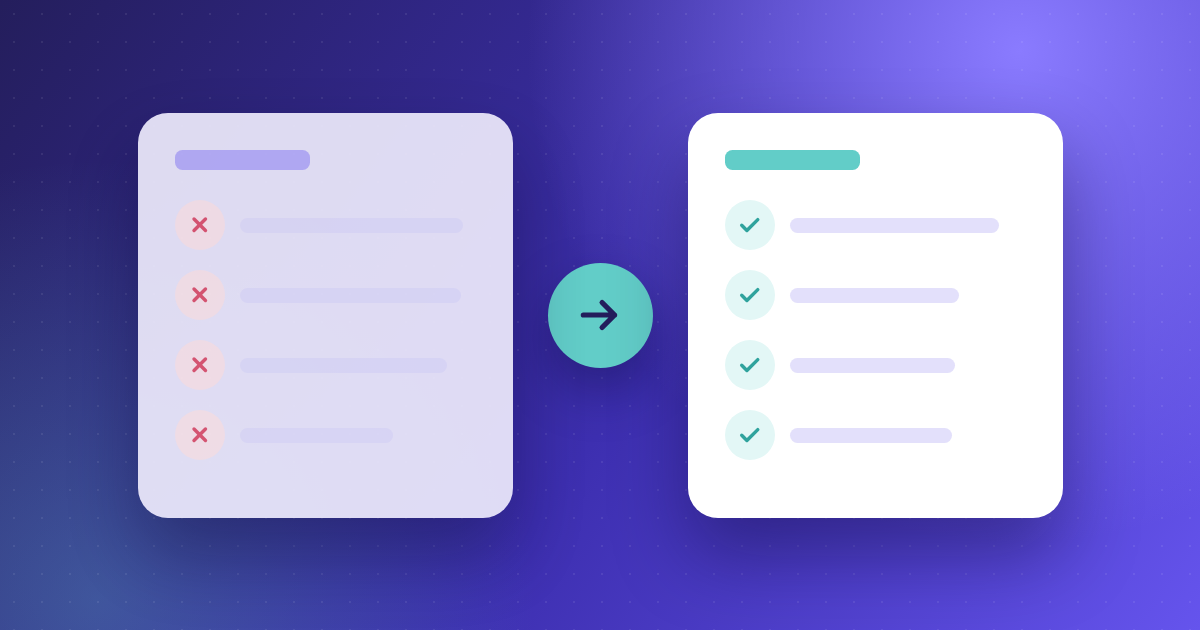
Choosing an AP automation platform isn't about finding the software with the longest feature list.
It's about finding the one that removes the most work from your finance team.
While Yooz is a well-established accounts payable automation platform, organisations evaluating new software often compare it with alternatives that offer different approaches to invoice capture, PO matching, ERP integration, payments or implementation support.
This guide compares nine Yooz alternatives, highlighting where each platform is strongest, who it's best suited to and what to consider before making a decision. Whether you're looking for a Yooz alternative because of ERP requirements, invoice accuracy, approval workflows or implementation support, this comparison will help you evaluate the leading accounts payable automation solutions available today.
Best suited to: Organisations looking for end-to-end AP automation covering invoice capture, approvals, ERP connectivity and payments.
Yooz is a cloud-based accounts payable automation platform that supports invoice capture, coding, approval workflows, fraud controls, document management and payment processes.
The company states that its platform uses AI and deep learning to automate accounts payable and integrates with more than 250 financial systems. Yooz also reports that customers can reduce AP processing costs by up to 80%, although results will vary depending on invoice volume, process maturity and implementation.
Best for: Mid-market and enterprise finance teams that prioritise invoice accuracy, line-level PO matching and hands-on implementation support.
Kefron AP automates the invoice process from receipt and data capture through coding, PO matching, approvals and ERP synchronisation.
Its main differentiator is the combination of AI-powered invoice capture with human data assurance. When the system cannot confidently interpret an invoice field, the item can be reviewed before it reaches the customer’s AP team.
Kefron reports 99%+ invoice data accuracy through this hybrid model.
Notable capabilities
Consider Kefron AP when
Kefron is strongest for organisations with:
The platform may also suit finance teams that want to automate AP without replacing their existing ERP. You can see how finance teams across manufacturing, retail, construction and private equity have deployed it in our customer stories.
Keep in mind
Kefron is primarily positioned for organisations with meaningful invoice volume and process complexity. Very small businesses with straightforward AP requirements may not need the same level of configuration or managed support.
Best for: Enterprise invoice-to-pay automation.
Medius is a broad AP automation platform covering invoice processing, approvals, supplier payments, e-invoicing and supplier communication.
Its main strength is the breadth of its invoice-to-pay offering. It is designed for larger organisations that want to automate more than invoice capture and approvals.
Key strengths
Consider Medius if: You need a wider invoice-to-pay platform. It should combine AP automation and payments. It should also include supplier tools and global e-invoicing.
Keep in mind: The wider platform may increase implementation scope and cost for organisations looking only to automate core AP processes. If your priority is multi-entity invoice processing rather than a full suite, our enterprise AP automation guide covers what large finance teams should scope first.
Best for: International supplier onboarding and payments.
Tipalti combines accounts payable automation with global payments, procurement, expenses and supplier management.
Its strongest differentiator is its cross-border payment infrastructure. Tipalti states that it supports payments to more than 200 countries and territories, 120 currencies and over 50 payment methods.
Key strengths
Consider Tipalti if: International supplier payments, tax documentation and banking validation are central to your AP operation.
Keep in mind: Finance teams focused mainly on invoice capture, coding and approvals may not require the full breadth of the platform.
Best for: Invoice collaboration and approval visibility.
Stampli centres communication, supporting documents, coding and approval activity around each invoice.
This invoice-first approach can help reduce long email chains, missing context and manual follow-up between AP teams and approvers.
Key strengths
Consider Stampli if: Communication and accountability are major causes of invoice delays.
Keep in mind: Stampli is expanding into broader procure-to-pay functionality, so organisations should assess whether they need the wider platform or a more focused AP solution.
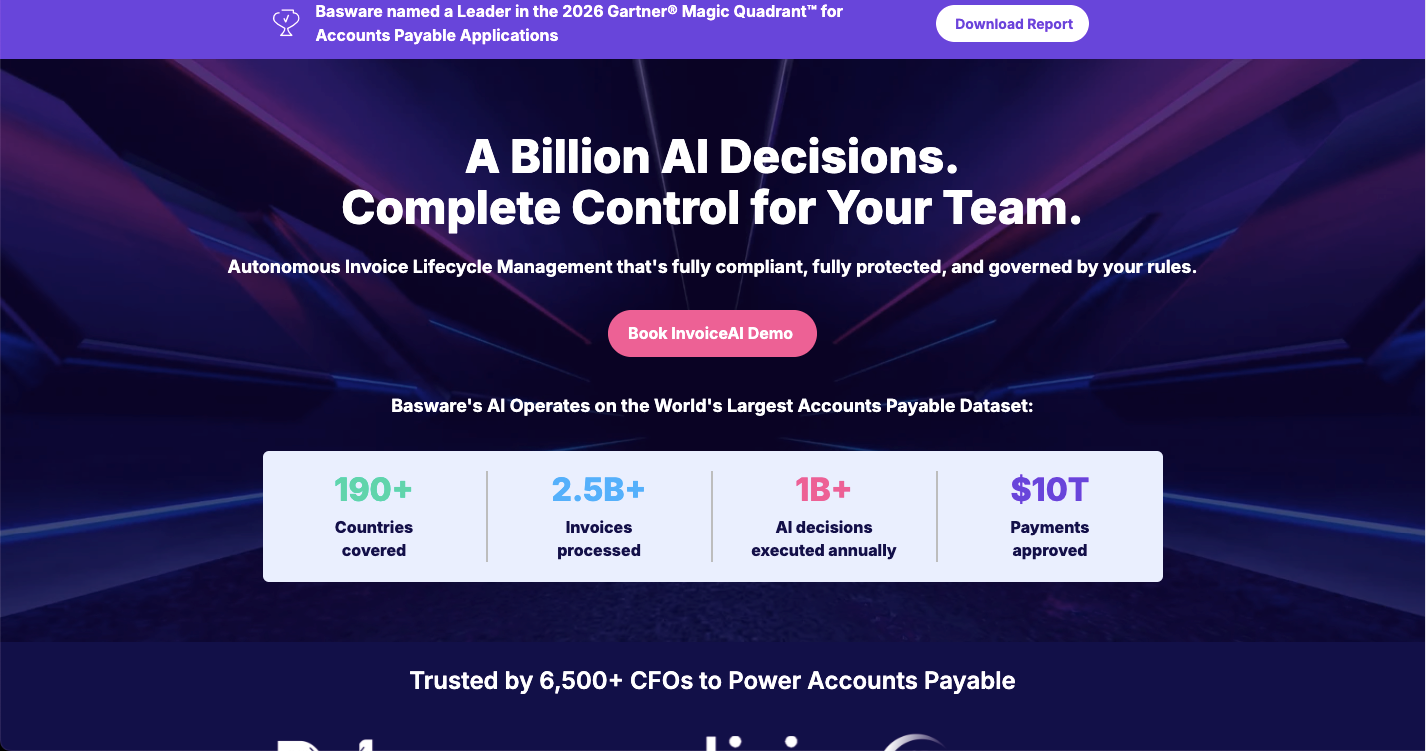
Best for: Global e-invoicing and enterprise compliance.
Basware is designed for large organisations managing invoices across multiple countries, entities and regulatory environments.
Its platform combines AP automation with a global e-invoicing and supplier network, making it particularly relevant for multinational businesses facing complex compliance requirements.
Key strengths
Consider Basware if: Your AP project involves global e-invoicing mandates, Peppol connectivity or a complex multinational ERP environment.
Keep in mind: Basware is enterprise-focused and may involve more platform breadth, implementation work and investment than smaller organisations require.
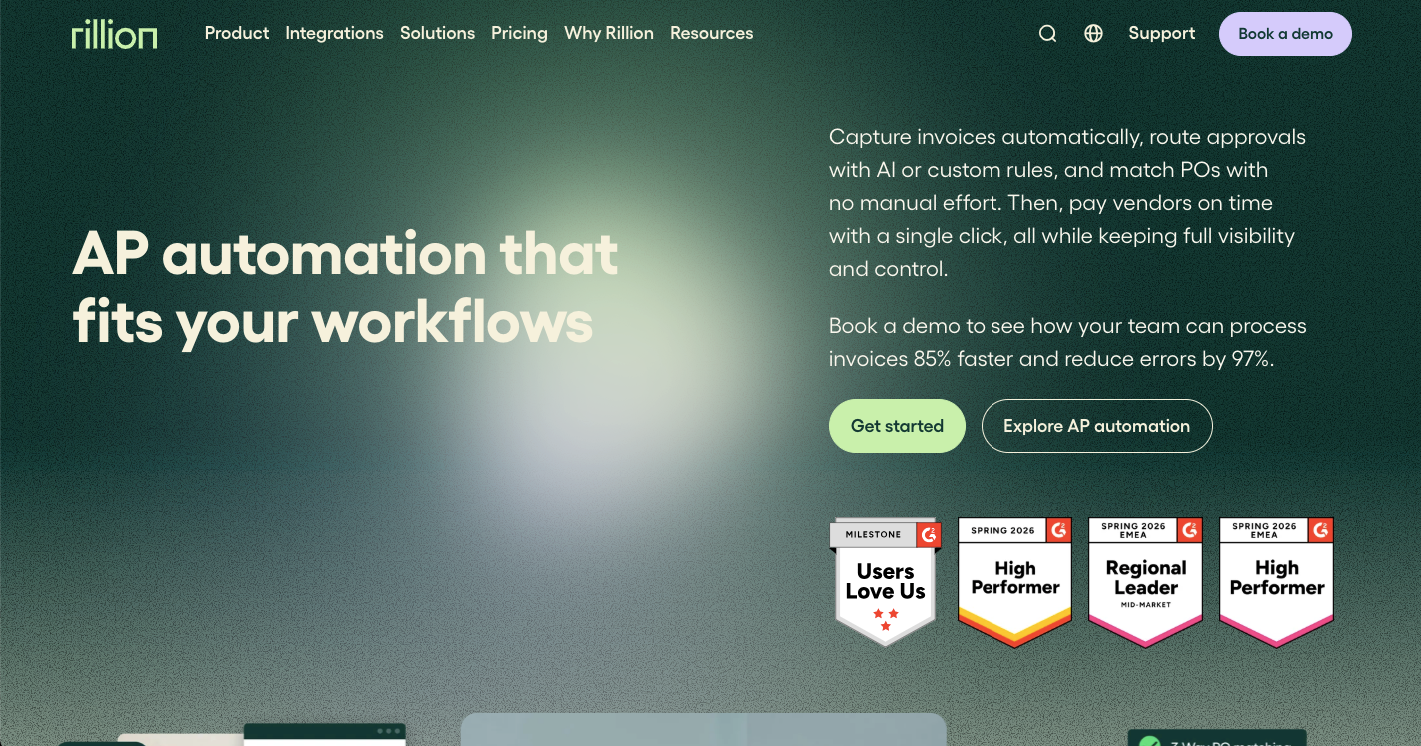
Best for: PO-heavy invoice processing.
Rillion provides AP automation across invoice capture, coding, approvals, three-way matching, ERP integration and payments.
It is particularly relevant for organisations that process large volumes of PO-based invoices and need strong matching between invoices, purchase orders and goods received notes.
Consider Rillion if: Purchase-order matching and exception handling are central to your AP process.
Keep in mind: Buyers should confirm the availability and depth of integrations, payment services and matching functionality within their specific country and ERP environment.
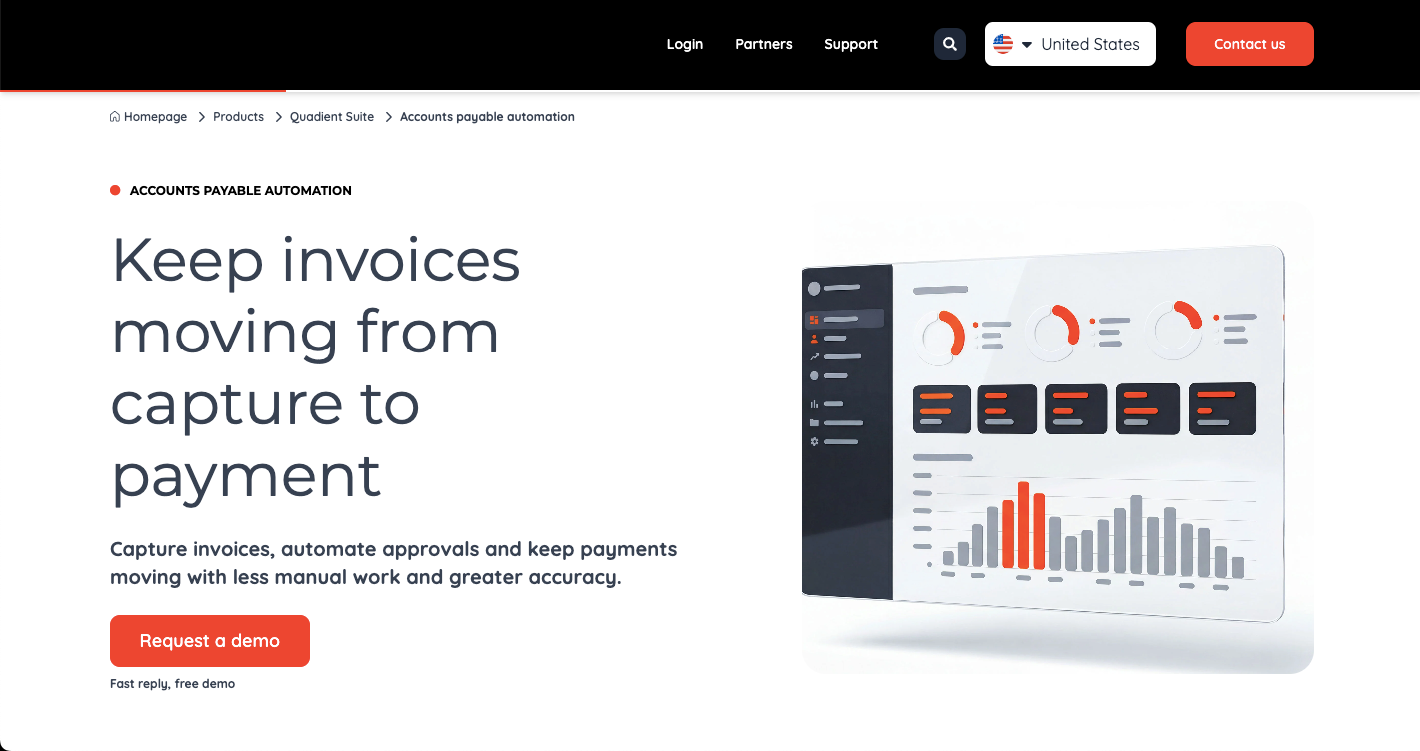
Best for: Small and mid-market businesses combining AP, purchase orders and expenses.
Quadient Accounts Payable Automation, formerly Beanworks, brings invoice capture, approvals, purchase orders, expense management and payments into one platform.
It is positioned as a more accessible option for organisations that want to replace manual finance workflows without implementing a large enterprise suite.
Key strengths
Consider Quadient AP if: You want to replace manual invoice approvals, paper purchase orders and spreadsheet-based expense tracking with one connected system.
Keep in mind: Larger businesses with complex compliance requirements, high invoice volumes or heavily customised ERPs should verify that the platform can support their required scale.
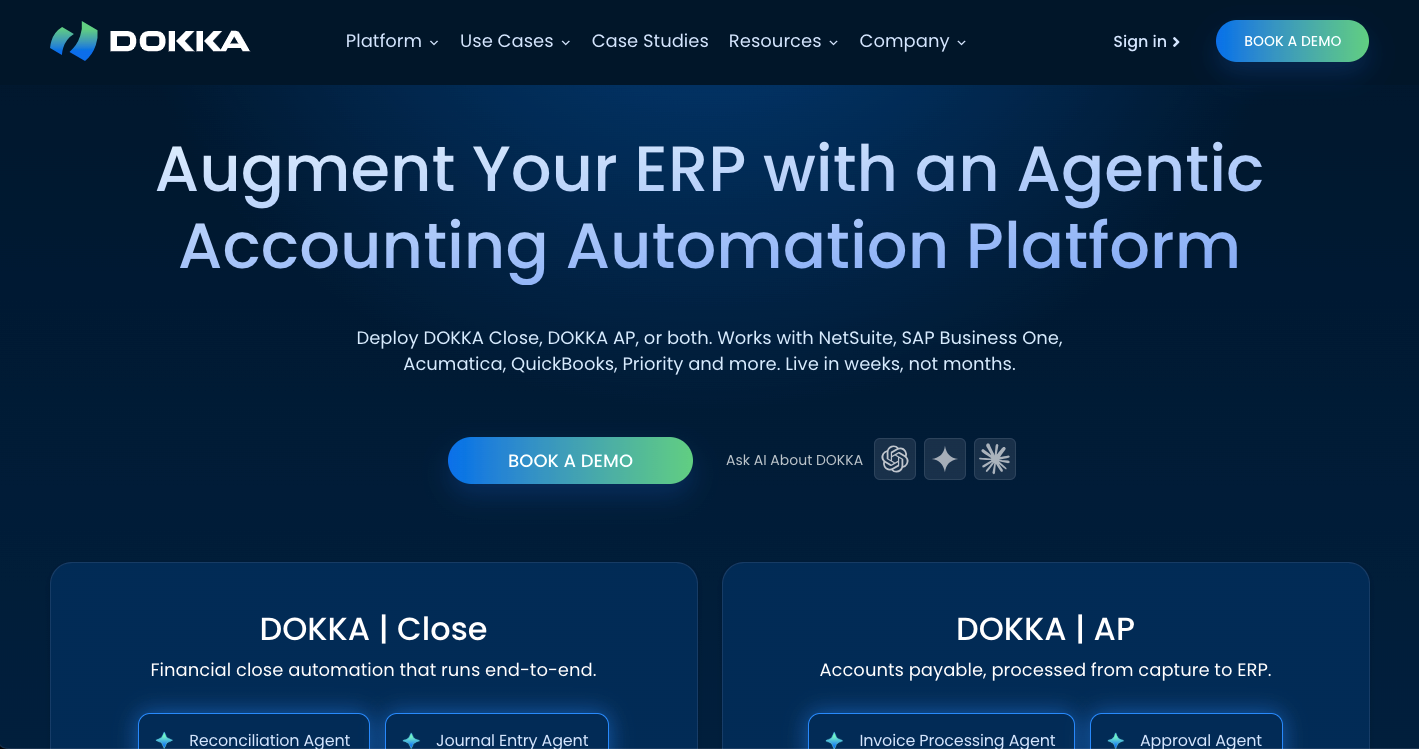
Best for: AP automation combined with financial close workflows.
DOKKA uses AI to automate accounts payable and related accounting processes.
Alongside invoice capture, approvals and matching, the platform also supports reconciliation and financial close management, which may appeal to lean finance teams looking to automate several accounting workflows.
Key strengths
Consider DOKKA if: You want AP automation as part of a wider accounting automation platform.
Keep in mind: Integration depth may vary by ERP, so buyers should confirm support for their entity structure, coding requirements, PO processes and approval workflows.
Best for: Organisations already using SAP Concur.
SAP Concur Invoice combines invoice capture, approvals and payment workflows with the wider Concur travel and expense ecosystem.
Its value is strongest for organisations that already use Concur Expense or Concur Travel and want a more connected view of employee and supplier spend.
Key strengths
Consider SAP Concur Invoice if: Your organisation already operates within the SAP Concur ecosystem and wants to bring invoice management into the same spend environment.
Keep in mind: As a standalone AP investment, specialist platforms may offer a more focused invoice-processing proposition.
When comparing AP automation software, a product demonstration should go beyond a perfectly processed invoice.
Ask every shortlisted provider to demonstrate an exception, not only the happy path.
1. What accuracy is achieved before AP intervention?
Ask whether the provider’s accuracy claims refer to:
An accuracy percentage is only meaningful when you understand how it was measured.
2. What happens when the system is uncertain?
Find out whether an uncertain invoice:
This determines how much manual work remains after automation.
3. How does the platform handle complex PO exceptions?
Test real scenarios, including:
Do not rely solely on a feature-page claim that the platform supports three-way matching.
4. How deep is the ERP integration?
Confirm:
A supported ERP logo does not always mean every workflow is available.
5. What work is included in implementation?
Ask who is responsible for:
A low software cost can be offset by significant internal implementation work.
6. What determines the total cost?
Pricing may be based on:
Compare the full cost of deployment and operation, not only the subscription price.
Yooz may be a strong fit for many finance teams. However, businesses evaluating Yooz alternatives are often looking for a solution that better fits their invoice volumes, ERP environment or approval workflows.
1) Need a different validation model
Automated extraction rates do not show how much work remains after an invoice has been processed.
Some platforms return uncertain fields directly to the AP team for correction. Others combine automation with human validation before data reaches the ERP.
This distinction can materially affect how much manual checking and exception work remains.
2) Process complex PO invoices
If your finance team handles high volumes of PO-based invoices, test how each platform manages:
A provider listing “three-way matching” as a feature does not necessarily mean it can manage every exception your team encounters.
3) Need a specific ERP integration
An integration may be listed as supported, but the depth of that integration can vary.
Check:
4) Require broader payments or procurement
Some Yooz competitors focus primarily on AP automation. Others extend into:
A broader platform may reduce the number of systems in your finance stack, but it can also introduce functionality and implementation complexity that an AP-focused team does not need.
5) Want more implementation support
Implementation quality often determines whether AP automation delivers meaningful adoption.
Organisations with complex approval structures, multiple entities or non-standard ERP environments may prefer a provider that takes an active role in workflow design, testing, configuration and rollout.
These Yooz alternatives range from focused AP automation software to broader accounts payable automation solutions that also include procurement, supplier management and payments.
For a fuller evaluation framework, including scoring criteria and demo questions, see our invoice automation buyer's guide.
Among today's accounts payable automation solutions, Kefron AP is designed for finance teams that need to reduce both manual data entry and the correction work that often remains after automation.
Its combination of AI and human data assurance helps ensure uncertain invoice fields are reviewed before verified data reaches the ERP.
This model is particularly relevant for organisations with:
Kefron captures invoice data, validates uncertain fields through its Data Assurance Team, applies coding, matches purchase orders and goods received notes, routes approvals, synchronises the verified record with the ERP and stores the complete audit trail.
Kefron also provides personalised demonstrations using a prospect’s own invoice examples. This allows finance and IT teams to evaluate the platform against their real ERP, supplier formats, approval rules and exception scenarios.
The right Yooz alternative is the platform that removes the most work from your specific AP process—not the one with the longest feature list.
Build your shortlist around:
Then ask each provider to process representative invoices and demonstrate how the platform handles exceptions.
For finance teams that need 99%+ invoice data accuracy, line-level PO matching, adaptable approval workflows and hands-on implementation support, Kefron AP is a strong option to include in that evaluation.
To see why organisations comparing alternatives to Yooz choose Kefron AP, schedule a personalised demo or get in touch with our team to discuss your requirements.

How long does it typically take to implement AP automation software?
Implementation timelines vary depending on the complexity of your approval workflows, ERP integrations and invoice volumes. Many projects take several weeks, while larger, multi-entity deployments may take longer. It's worth asking vendors what is included in implementation, who is responsible for configuration and how they support user adoption.
Can I switch from Yooz without disrupting my AP process?
Yes. Most AP automation providers support a structured migration process that includes workflow configuration, ERP integration, user training and testing before go-live. The exact approach varies by vendor, so it's important to understand how historical data, suppliers and approval workflows will be migrated.
Can AP automation software integrate with my existing ERP?
Most modern AP automation platforms connect with leading ERP and accounting systems. These include SAP, Oracle NetSuite, Microsoft Dynamics, and Sage. However, integration capabilities vary, so it's important to confirm how data is synchronised, whether custom fields are supported and how updates are maintained.
Which Yooz alternative is best for businesses using SAP, Microsoft Dynamics or NetSuite?
Many leading AP automation providers integrate with ERP systems such as SAP, Microsoft Dynamics, Oracle NetSuite and Sage. However, the depth of those integrations varies between vendors. It's important to evaluate how each platform handles data synchronisation, custom fields and approval workflows within your ERP.
Are all alternatives suitable for businesses of every size?
No. Some platforms are designed for SMEs, while others focus on mid-market or enterprise organisations. When comparing alternatives, consider factors such as invoice volume, number of entities, approval complexity and future growth plans.
Do all platforms include supplier payments?
No. Some platforms focus purely on accounts payable automation, while others also offer supplier onboarding, payment processing, procurement or broader spend management capabilities. Consider whether you need a dedicated AP solution or a wider finance automation platform.