.png?width=120&height=120&name=Favicon%20(500%20x%20500%20px).png)

What Is a Document Management System (DMS)? Benefits, Features & Key Business Uses
A Document Management System (DMS) is software that helps you store, find and manage digital...

Discover the 10 key building blocks of a strong document management system (DMS) and electronic document management system (EDMS). Learn how they improve storage, workflows, metadata and secure access. These features help you run your business better and stay compliant.
Every business, large or small, needs to manage electronic documents well. Many rely on document management systems (DMS) and electronic document management systems (EDMS) to protect files like invoices and HR contracts. An EDMS is also known as enterprise content management (ECM). It helps teams work together, stay transparent, stay compliant and get more done.
A document management system (DMS) is software that stores, manages and tracks electronic documents. This includes scanned images of paper files. It gives you one central place for all your documents. It also controls how documents move, so the right files reach the right people at the right time. A DMS cuts paper use, saves time and helps you meet industry rules.
An electronic document management system (EDMS) is a more advanced type of DMS. It manages documents fully in electronic form. Features include capture, storage, search, workflows and version control. It is built to make managing digital documents simpler.
Based on Kefron’s experience with electronic document management systems, here are the 10 most important building blocks of any good system.
At its heart, an EDMS is a central, secure store for digital documents. Storage can be on your own servers, in the cloud or a mix of both. Look for encryption, backups and room to grow. Each option has its pros and cons. For the best access, flexibility and scale, cloud is usually the strongest choice. In the end, the right EDMS depends on your needs.
A good EDMS can bring in documents from many sources, such as local drives, shared folders, email and scanners. To turn paper files into digital ones, it is usually best to use a professional scanning bureau. An experienced provider digitises your documents efficiently and accurately. Plan your exit strategy early, and check how closed or proprietary the system is before you sign.
Workflows are a key part of an EDMS. They simplify document-based processes and help your organisation run better. Automated workflows let you standardise routine tasks like approvals, reviews, task assignments and alerts. Dull admin is done for you, so people have time for more valuable work. Less tedious work also means happier staff and higher output. You can shape workflows around your own processes to keep things consistent, compliant and accountable.
An EDMS manages documents from start to finish, from creation to permanent deletion. Good lifecycle management keeps documents organised and in line with legal and regulatory rules. Look for a system you can tailor to your internal policies. It should also manage versions, track changes and let you roll back to an earlier version when needed.
The system logs every action taken on a document. This helps you meet regulations and internal policies. You can see who did what and when, which improves accountability. Clear audit logs make audits and breach response much quicker and less stressful.
Live editing, comments, notes and sharing make teamwork easy. With a cloud-based EDMS, people can work from anywhere, and several people can edit one document at once. According to Deloitte, collaboration improves work quality by 73% and innovation by 60%. The system also stores every version but shows only the latest one, so duplicates are all but gone unless a user restores an older version on purpose.
An EDMS can connect with many other systems. These include CRM platforms, ERP software and tools like SharePoint and Microsoft Office. Your EDMS can then act as a central hub, sharing data and automating work across your systems. This cuts manual data entry across your company.
Metadata is the information that describes a document, such as the author, creation date, keywords, tags and custom fields. Metadata management means applying and managing these details across every document in the system. With well-chosen metadata, you can organise, search, find and manage information across all your systems, whether they are connected or not.
Strong search lets users find documents fast by metadata, content or any word in the text. A recent study by Elastic found that 60% of employees spend more time searching for documents than replying to messages and emails. An EDMS makes finding files easy, so there is more time for valuable work. How much you can retrieve depends on your needs and retention policies. Documents can be hard deleted (gone for good) or soft deleted (recoverable for a time). If a file isn’t hard deleted, older versions can still be found, so mistakes can be fixed.
An EDMS is a secure store that can grow with you. It uses encryption, backups and access controls. Detailed permissions mean only authorised users can open, view or change each document. Role-based access lets you decide who can edit or view specific files. A cloud-based EDMS also protects your information if disaster strikes. Look for a provider certified to ISO 27001 for information security, so you know strong standards and processes protect your data.
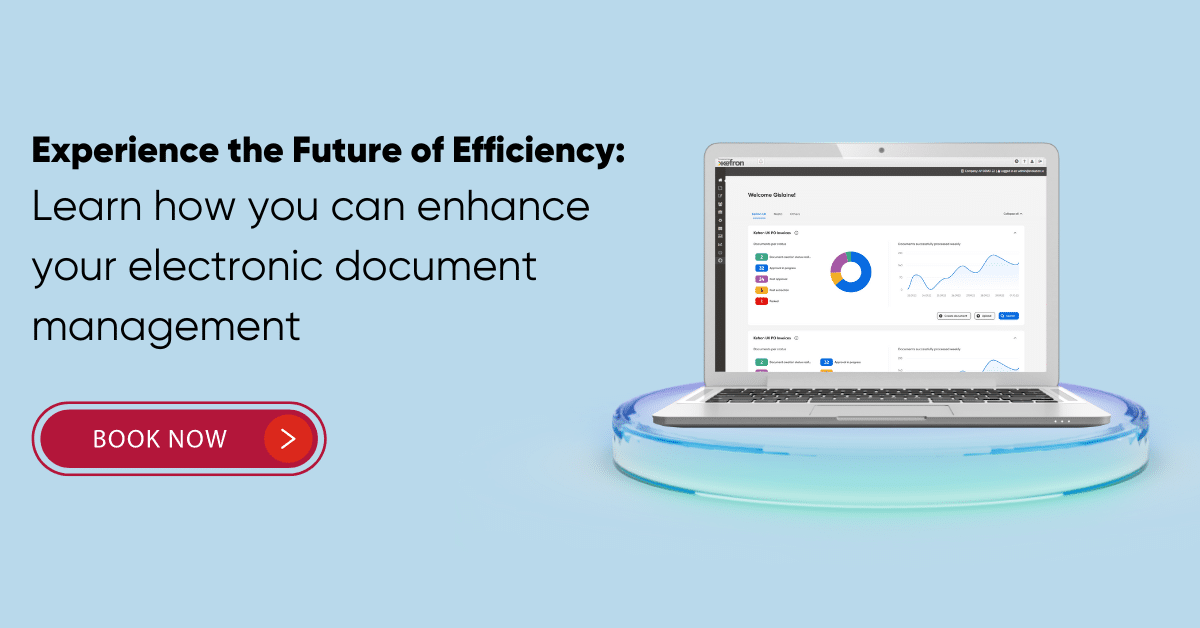
These 10 building blocks are the foundation of a complete EDMS. Together, they help you manage digital documents efficiently while staying secure, compliant and productive. Before you choose a system, take time to understand your goals and where your information sits today. Always see a demo first to check it is easy to use. Book a demo with Kefron to see these 10 features in action and how an EDMS can help your business thrive.
An electronic document management system (EDMS) is vital for modern organisations. It simplifies work, improves teamwork and keeps you compliant by managing documents through their whole life. Workflow automation, audit trails, metadata and secure access mean it can fit any business.
An EDMS reduces paper, speeds up finding documents and boosts productivity. Because it connects with your other systems, it becomes a central hub for all document work, sharing data and keeping things running smoothly.
A strong document management system helps your business compete in a digital world. Understand your needs first, then choose an EDMS that fits them. Book a demo with Kefron today to see how it can transform the way you manage documents.