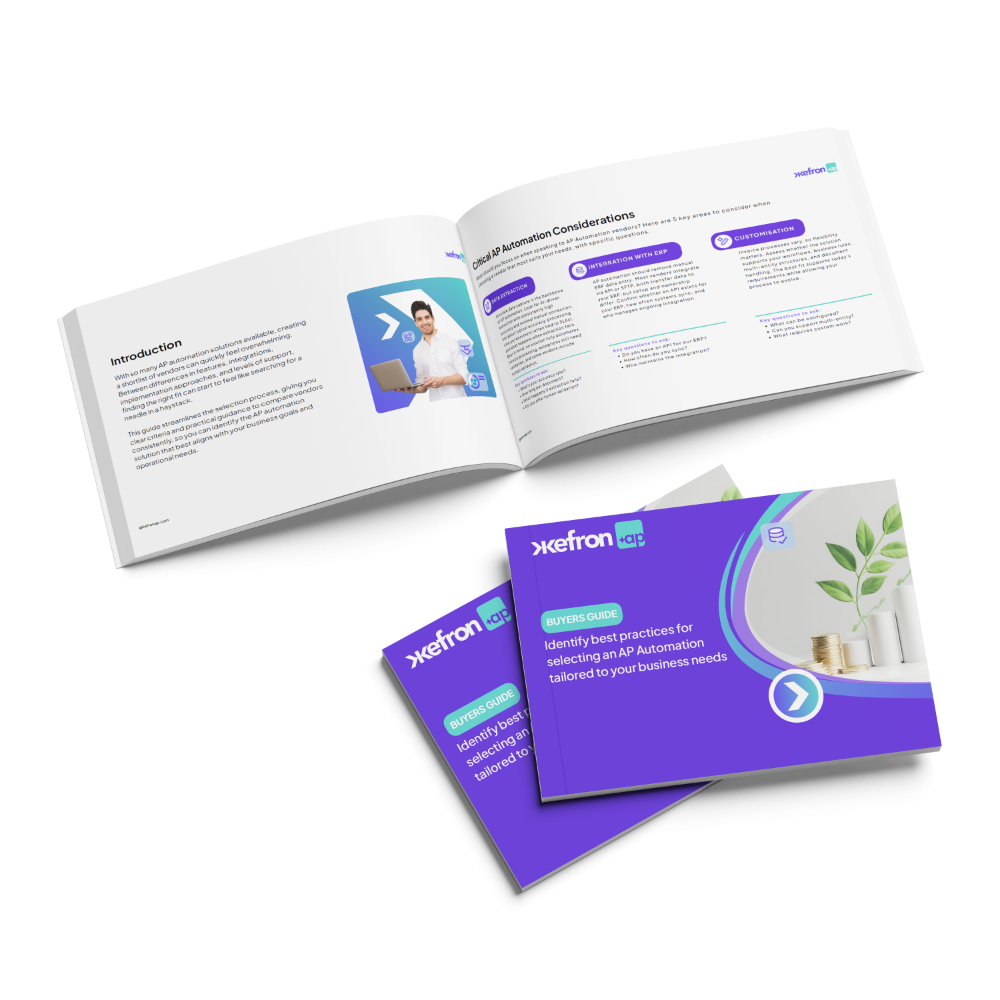
Guide:
Invoice Automation Buyers Guide
Unlock how modern businesses choose the right invoice automation and implement an automated invoice system that delivers measurable operational gains.
This invoice automation buyers guide breaks down:
- The core benefits of automation vs manual invoice processing
- How to evaluate invoice processing software features
- What to look for in an automated invoice system vendor
- Practical checklists to compare solutions side by side
- Questions to ask when reviewing proposals
Download this guide:
30%
of invoice processing time saved

67%
reduction in invoice approval time

99%
data extraction accuracy

12 months
data extraction accuracy

100%
paperless invoice processing

32 hours
per month saved on data entry


Why Invoice Automation Matters Now
Manual invoice handling is slow, costly and full of errors, and it gets worse as volumes grow. With invoice automation software, organisations can:
- Eliminate repetitive manual data entry
- Speed up approvals and reduce bottlenecks
- Improve accuracy and financial control
- Deliver real-time visibility across invoices
This invoice automation buyers guide helps you understand why these capabilities are essential, and how to prioritise them during your buy-side evaluation.
What Global Finance Leaders Are Saying

Key Invoice Automation Capabilities to Look For
Modern invoice automation software brings accuracy, visibility and smooth integration together, so finance teams can grow with less manual work.

Touchless Invoice Processing
AI-driven data capture within your automated invoice system gives high accuracy, so many invoices need no manual touch at all.

Measurable ROI
The right invoice processing software should deliver rapid efficiency gains, lower processing costs, and clear time savings within months — not years.

Custom Approval Workflows
Routing rules you can set and automatic mismatch alerts mean your software for invoice processing follows your internal controls with less manual checking.

ERP Integration
A smooth link to your accounting or ERP system means your automated invoice system gives you accurate reports and one source of truth.

3-Way PO Matching
Automated 3-way PO matching checks invoices against POs and goods received notes. Mismatches are caught early and approvals move faster.

Auto Coding
Smart auto coding assigns GL codes, cost centres and tax codes based on past data and your rules. That cuts coding errors and speeds up approval.

Take the First Step with Our Invoice Automation Buyers Guide
Find out the seven things that make AP transformation work, from cutting manual work and speeding up approvals to choosing the right software for invoice processing.
Frequently asked questions:

What Is an Invoice Automation Buyers Guide?
An invoice automation buyers guide helps finance teams judge invoice processing software and compare automated invoice systems. It covers key features such as 3-way PO matching, auto coding, ERP links, workflow automation, compliance and expected ROI. Its job is to help you pick the right invoice automation software for your needs and growth.
How Do I Choose Invoice Automation Software?
To choose the right invoice automation software, look at AI data accuracy, workflow flexibility, ERP links and how many invoices it can process touch-free. The best software for invoice processing should handle 3-way matching, automatic coding and live reporting. A good invoice automation buyers guide helps you check whether a tool cuts manual work and gives you more visibility and control.
What Is the Difference Between Invoice Processing Software and an Automated Invoice System?
Invoice processing software usually just digitises and routes invoices. A fully integrated automated invoice system handles the whole journey: capture, checks, coding, matching, approval and posting to the ERP. Modern invoice automation software does both, so fewer invoices need a human touch.
What ROI Should an Invoice Automation Buyers Guide Help You Evaluate?
An effective invoice automation buyers guide should help you work out time saved, costs cut and faster approvals. Teams using invoice automation software usually key in less data, spend less per invoice and pay faster. Your ROI depends on invoice volume, how much is manual today and how complex the integration is.
Does Invoice Processing Software Integrate with ERP Systems Like NetSuite or Sage?
Yes. Most modern invoice processing software links to ERPs such as NetSuite, Sage, SAP and Microsoft Dynamics. That allows automatic GL coding, 3-way PO matching, live posting and a synced audit trail. With a good ERP link, the automated invoice system becomes part of one finance workflow, not a separate tool.
How long does AP automation implementation take?
Typical implementation timelines range from 3–6 weeks depending on complexity and ERP integration requirements.
Does AP automation help reduce duplicate payments?
Yes. Automated validation and duplicate detection prevent invoices from being processed multiple times.
How does AP automation improve supplier relationships?
Faster approvals and reliable payments mean fewer late payments and happier suppliers.