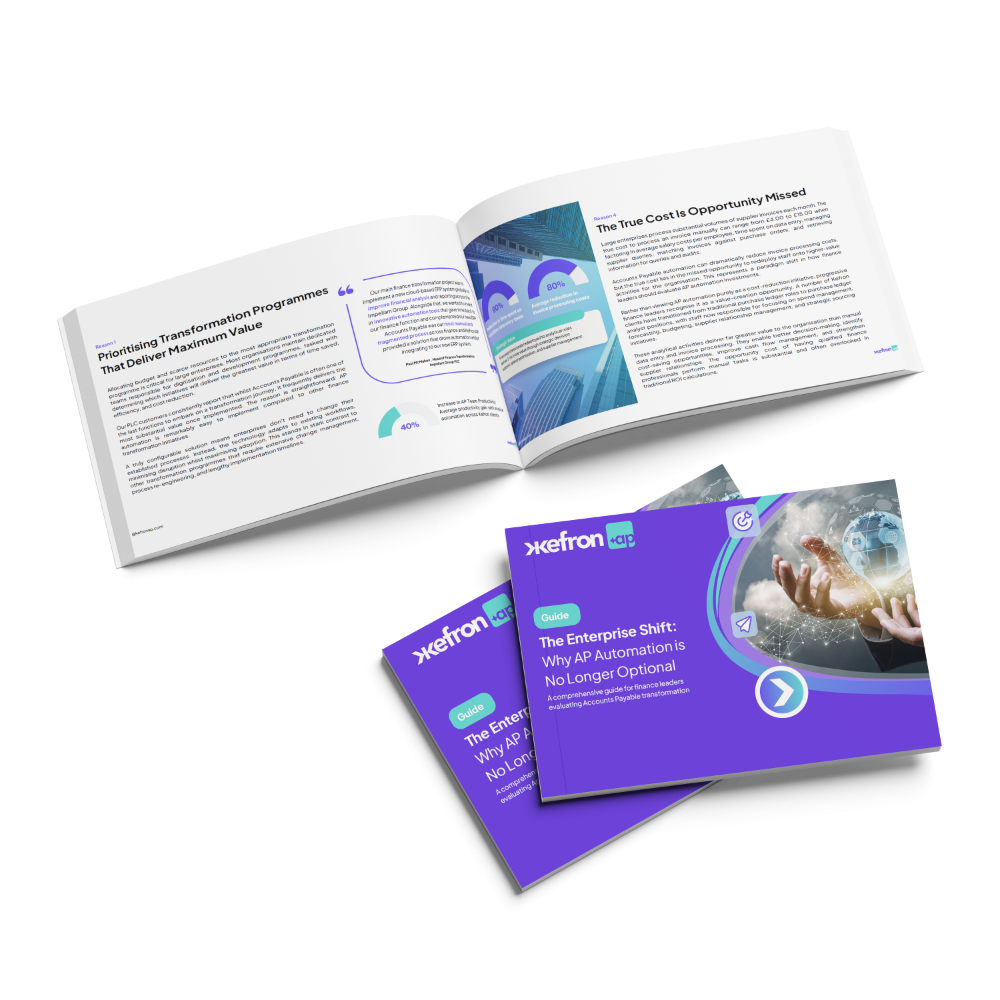
Guide:
Before You Invest in Invoice Automation: What Every Finance Leader Should Know
A practical guide to help finance leaders understand what really matters before investing in invoice automation and avoid costly mistakes.
In our guide “What AP Automation Vendors Don’t Want You to Know”, you’ll learn to:
- Compare AI, OCR & hybrid models.
- Spot inflated accuracy claims.
- Evaluate PO matching capability.
- Identify workflow limitations.
- Calculate realistic automation ROI.
Download this guide:

Why Automated Invoice Processing Software Matters
Rising invoice volumes, tighter compliance rules, and cost pressure are exposing the limits of manual AP. Slow approvals, duplicate payments, and poor visibility increase risk and operational overhead. A successful AP automation implementation reduces processing time, improves accuracy, and strengthens financial control without disrupting your ERP.
What Global Finance Leaders Are Saying

Capabilities to Evaluate in Invoice Automation
These core capabilities determine whether automated invoice processing software reduces workload or creates new manual problems.

Data Capture Accuracy
Extract data accurately across PDFs, scans, XML, and EDI to reduce rework and eliminate manual corrections.

AI vs OCR Approach
Assess whether the system blends AI, OCR, and validation controls to ensure consistent and reliable data accuracy.

PO Line-Level Matching
Match invoices to POs at line level to prevent approval delays, pricing errors, and downstream payment issues.

Workflow Flexibility
Ensure approval workflows adapt to your structure without forcing rigid templates or new operational bottlenecks.

ERP Integration Depth
Validate invoice data before posting so ERP records remain accurate and do not require later corrections.

Exception Handling
Resolve mismatched or complex invoices inside the platform with full visibility and structured controls – not via email chains.

Choose Automated Invoice Processing Software Wisely
The difference between automation that works and automation that creates more manual effort comes down to evaluation. Download the guide to assess vendors with clarity and confidence.
Frequently asked questions:

What is automated invoice processing software?
Automated invoice processing software captures, extracts, validates, and routes invoice data digitally. It reduces manual data entry, accelerates approvals, and improves financial control by automating the full invoice lifecycle.
What is the best automated invoice processing software?
The best solution combines AI, structured extraction methods, validation controls, workflow flexibility, and seamless ERP integration. Accuracy, exception handling, and real-world performance matter more than feature lists.
Is OCR enough for invoice automation?
OCR is a foundational technology for reading scanned documents, but on its own it often struggles with complex or inconsistent invoices. Most high-performing systems combine OCR with AI and validation controls.
Can all invoices be processed touch-free?
A high percentage of invoices can be automated, especially structured or repeat supplier invoices. However, complex, multi-line, or inconsistent documents typically require structured exception handling to maintain accuracy.
How accurate is AI invoice processing software?
Accuracy depends on the approach used. Solutions that combine AI with rules-based validation or human oversight can achieve 99%+ accuracy across diverse invoice formats.
How does automated invoice processing software integrate with ERP systems?
Modern solutions connect directly to ERP platforms such as SAP, Oracle, Sage, Microsoft Dynamics, and NetSuite. Proper integration ensures validated data flows into the ledger without manual correction.
How long does it take to implement invoice automation software?
Implementation timelines vary depending on complexity, ERP environment, and workflow requirements. Most mid-sized deployments are completed within several weeks when properly planned.
What ROI can finance teams expect?
Organizations typically experience faster processing times, reduced manual workload, improved visibility, stronger compliance controls, and lower processing costs per invoice.