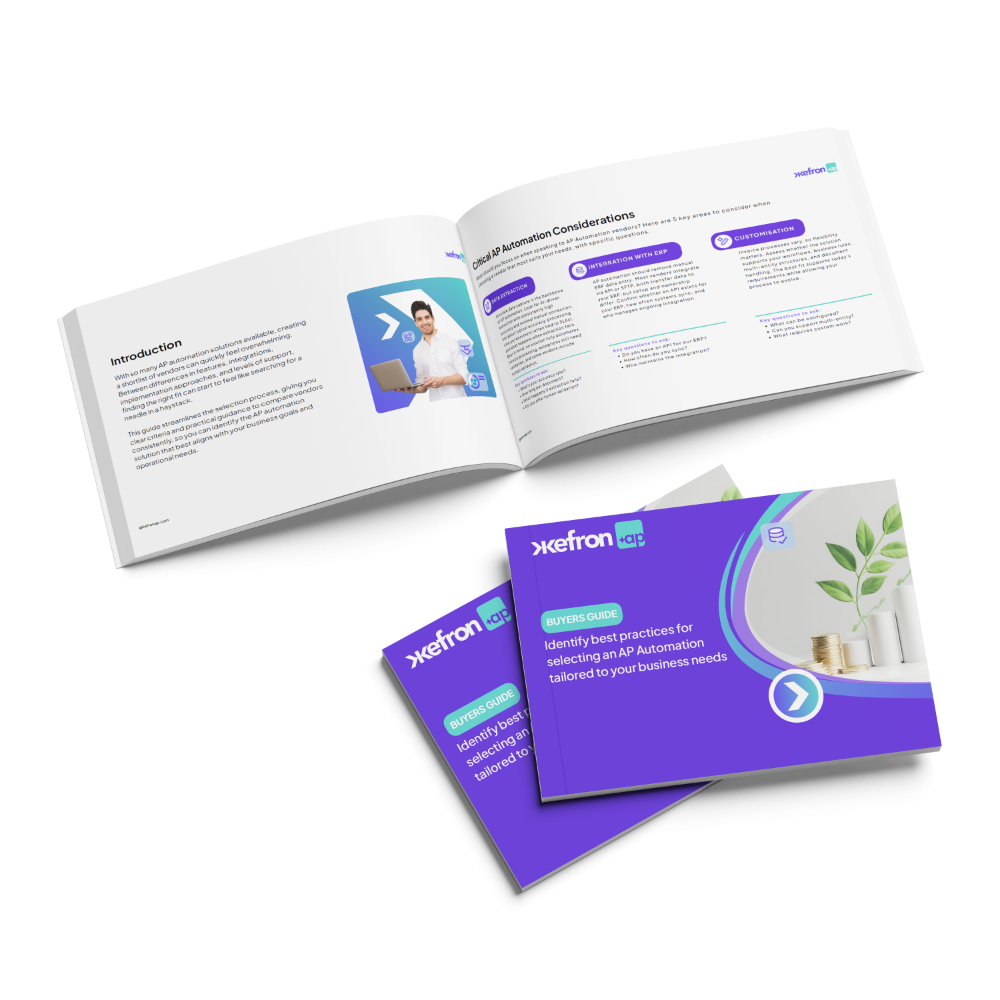
Guide:
Invoice Automation Buyers Guide
Unlock how modern businesses choose the right invoice automation and implement an automated invoice system that delivers measurable operational gains.
This invoice automation buyers guide breaks down:
- The core benefits of automation vs manual invoice processing
- How to evaluate invoice processing software features
- What to look for in an automated invoice system vendor
- Practical checklists to compare solutions side by side
- Questions to ask when reviewing proposals
Download this guide:
30%
of invoice processing time saved

67%
reduction in invoice approval time

99%
data extraction accuracy

12 months
data extraction accuracy

100%
paperless invoice processing

32 hours
per month saved on data entry


Why Invoice Automation Matters Now
Manual invoice handling is slow, error-prone and expensive, especially as invoice volumes grow. By adopting invoice automation software, organisations can:
- Eliminate repetitive manual data entry
- Speed up approvals and reduce bottlenecks
- Improve accuracy and financial control
- Deliver real-time visibility across invoices
This invoice automation buyers guide helps you understand why these capabilities are essential, and how to prioritise them during your buy-side evaluation.
What Global Finance Leaders Are Saying

Key Invoice Automation Capabilities to Look For
Modern invoice automation software combines accuracy, visibility, and seamless integration to help finance teams scale efficiently and reduce manual workload.

Touchless Invoice Processing
AI-driven data capture within your automated invoice system ensures high accuracy and enables a significant percentage of invoices to be processed without manual intervention.

Measurable ROI
The right invoice processing software should deliver rapid efficiency gains, lower processing costs, and clear time savings within months — not years.

Custom Approval Workflows
Configurable routing rules and automated discrepancy alerts ensure your software for invoice processing aligns with internal controls while reducing manual oversight.

ERP Integration
Seamless integration with your existing accounting or ERP system ensures your automated invoice system supports accurate reporting and a single source of financial truth.

3-Way PO Matching
Automated 3-way PO matching validates invoices against purchase orders and goods received notes, preventing discrepancies and accelerating approvals.

Auto Coding
Smart auto coding automatically assigns general ledger (GL) codes, cost centres, and tax codes based on historical data and predefined rules. This reduces manual coding errors and speeds up invoice approval.

Take the First Step with Our Invoice Automation Buyers Guide
Discover the seven key drivers behind successful AP transformation, from reducing manual workload and improving approval speed to selecting the right software for invoice processing.
Frequently asked questions:

What Is an Invoice Automation Buyers Guide?
An invoice automation buyers guide is a structured decision-making resource that helps finance teams evaluate invoice processing software and compare automated invoice systems. It outlines key features such as 3-way PO matching, auto coding, ERP integration, workflow automation, compliance capabilities, and expected ROI. The purpose of a buyers guide is to help organisations select the right invoice automation software based on operational needs and scalability.
How Do I Choose Invoice Automation Software?
Choosing the right invoice automation software requires evaluating AI data capture accuracy, workflow flexibility, ERP integration, and touchless processing capability. The best software for invoice processing should support 3-way matching, automated coding, supplier portals, and real-time reporting. A strong invoice automation buyers guide will help you assess whether a solution reduces manual workload while improving visibility and financial control.
What Is the Difference Between Invoice Processing Software and an Automated Invoice System?
Invoice processing software typically focuses on digitising and routing invoices, while a fully integrated automated invoice system manages the entire lifecycle, from capture and validation to coding, matching, approval, and posting to the ERP. Modern invoice automation software combines both capabilities to eliminate manual intervention and increase touchless processing rates.
What ROI Should an Invoice Automation Buyers Guide Help You Evaluate?
An effective invoice automation buyers guide should help you calculate potential productivity gains, cost reductions, and improvements in approval speed. Organisations implementing invoice automation software commonly reduce manual data entry, lower processing costs, and shorten payment cycles. ROI depends on invoice volume, current manual effort, and integration complexity.
Does Invoice Processing Software Integrate with ERP Systems Like NetSuite or Sage?
Yes. Most modern invoice processing software integrates with ERP platforms such as NetSuite, Sage, SAP, and Microsoft Dynamics. Integration enables automatic GL coding, 3-way PO matching, real-time posting, and audit trail synchronisation. Seamless ERP connectivity ensures the automated invoice system becomes part of a unified financial workflow rather than a standalone tool.
How long does AP automation implementation take?
Typical implementation timelines range from 3–6 weeks depending on complexity and ERP integration requirements.
Does AP automation help reduce duplicate payments?
Yes. Automated validation and duplicate detection prevent invoices from being processed multiple times.
How does AP automation improve supplier relationships?
Faster approvals, improved payment reliability, and supplier portals reduce payment delays and improve communication with vendors.