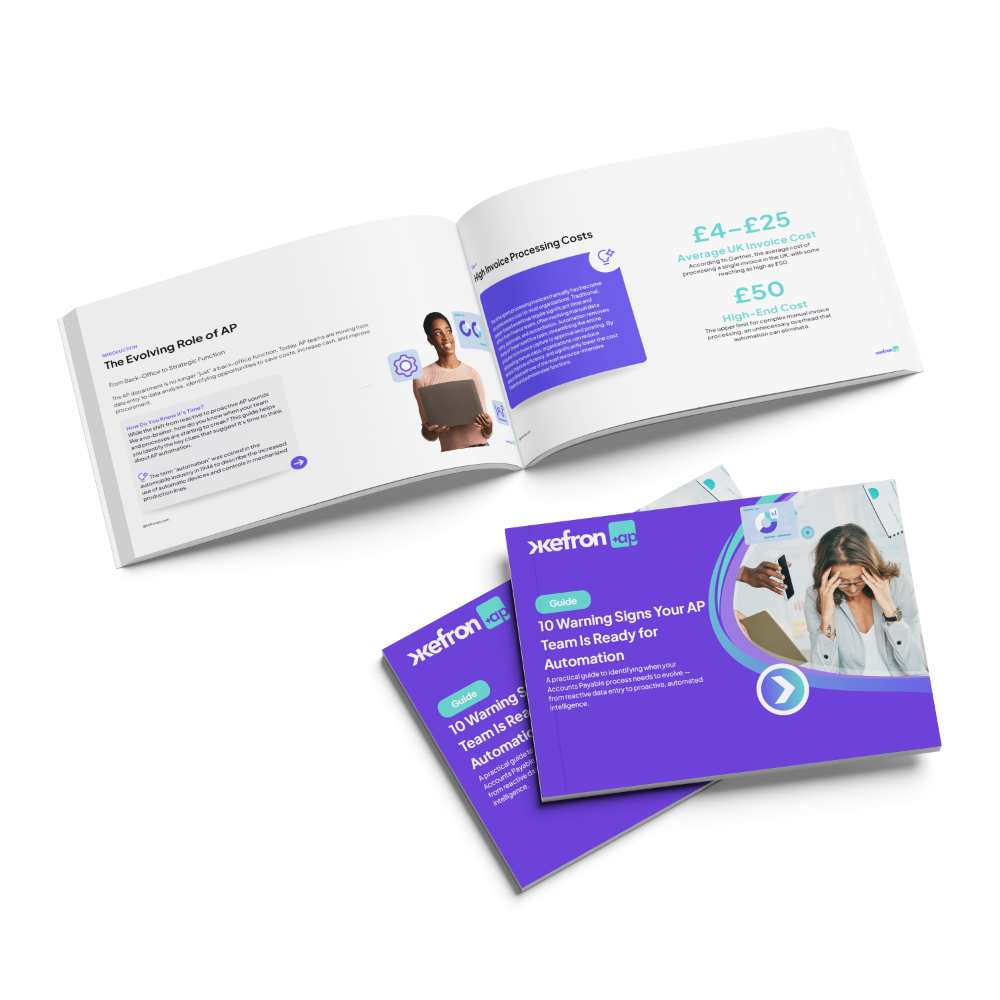
Guide:
10 Warning Signs Your Finance Team Needs AP Automation
Manual invoice processing creates delays, errors, and visibility gaps. This guide helps finance leaders recognise when AP automation is needed to improve efficiency and scale accounts payable operations.
In our guide “10 Warning Signs Your AP Team Needs Automation”, you’ll:
- Recognise AP process automation gaps.
- Identify costly invoice processing automation issues.
- Detect invoice approval automation bottlenecks.
- Understand accounts payable automation readiness.
- Prepare finance teams for scalable AP automation.
Download this guide:

Why Accounts Payable Automation Matters Now
Finance teams are under pressure to process more invoices while maintaining financial control. Without AP automation, manual accounts payable workflows create approval delays, limited visibility, and higher operational costs. Accounts payable automation modernises the entire invoice lifecycle by digitising capture, enabling invoice processing automation, and accelerating approval workflows.
The Impact of AP Process Automation
Manual AP processes create operational inefficiencies that slow financial operations and increase administrative workload.

Manual AP increases processing costs
Delayed approvals slow supplier payments
Limited visibility creates reporting gaps
Manual workflows increase error risk
What Global Finance Leaders Are Saying

Capabilities of Modern AP Automation for Finance Teams
AP automation transforms manual accounts payable workflows into efficient, scalable financial operations.

Smart Invoice Capture
Capture invoices from email, PDF, scans, or EDI. Invoice processing automation extracts data automatically, reducing manual entry and improving AP efficiency.

AI + Human Validation
Accounts payable automation combines AI extraction with validation workflows to deliver high data accuracy and eliminate repetitive correction work.

Automated PO Matching
AP process automation performs line-level matching between invoices, purchase orders, and goods received notes to detect discrepancies early.

Invoice Approval Automation
Automated workflows route invoices based on department, supplier, or value, reducing approval delays and improving financial governance.

Real-Time AP Visibility
Accounts payable automation dashboards provide visibility into invoice status, approvals, liabilities, and AP performance metrics.

Supplier Self-Service Portal
Suppliers can submit invoices and track payment status, reducing manual follow-ups and improving communication across the AP process.

Recognise AP Automation Warning Signs on Time
Many organisations continue operating manual AP processes long after inefficiencies appear. Identifying early warning signals helps finance leaders improve efficiency before operational pressure grows.
Frequently asked questions:

What are the warning signs that AP automation is needed?
Common indicators include increasing invoice volumes, slow approval cycles, frequent duplicate payments, poor visibility into liabilities, and rising processing costs.
How does AP automation reduce invoice processing time?
Automation captures invoice data automatically, routes approvals digitally, and integrates directly with ERP systems, eliminating manual data entry and email-based approvals.
How accurate is automated invoice data extraction?
Modern solutions combine AI extraction with validation workflows, achieving up to 99% data accuracy and reducing the need for manual corrections.
Can AP automation integrate with existing ERP systems?
Yes. Most modern platforms integrate with major ERP systems such as SAP, Oracle, Sage, and Microsoft Dynamics to synchronise invoice data and approvals.
Will automation replace AP staff?
Automation removes repetitive administrative work, allowing AP teams to focus on exception handling, reporting, and financial analysis instead of data entry.
How long does AP automation implementation take?
Typical implementation timelines range from 3–6 weeks depending on complexity and ERP integration requirements.
Does AP automation help reduce duplicate payments?
Yes. Automated validation and duplicate detection prevent invoices from being processed multiple times.
How does AP automation improve supplier relationships?
Faster approvals, improved payment reliability, and supplier portals reduce payment delays and improve communication with vendors.