
Customer story:
With SAP Business One AP Automation, Smith Cameron Group put 7 entities on one AP process and hit 99% accuracy.

Product:
Invoice Automation

Industry:
Manufacturing

erp:
SAP Business One

Region:
USA

Entities:
7

Invoice volume:
3,000 monthly
Read Time: 6 minutes


CASE STUDIES:
Smith Cameron’s finance team felt the change in every entity. Here’s what AP automation software for manufacturing does when it runs inside SAP Business One.
THE CHALLENGE:
As Smith Cameron Group expanded through acquisitions, their AP process couldn’t keep up:
They needed one AP process for every entity, built into SAP Business One, so they could grow. That meant moving to SAP Business One AP Automation.

THE SOLUTION:
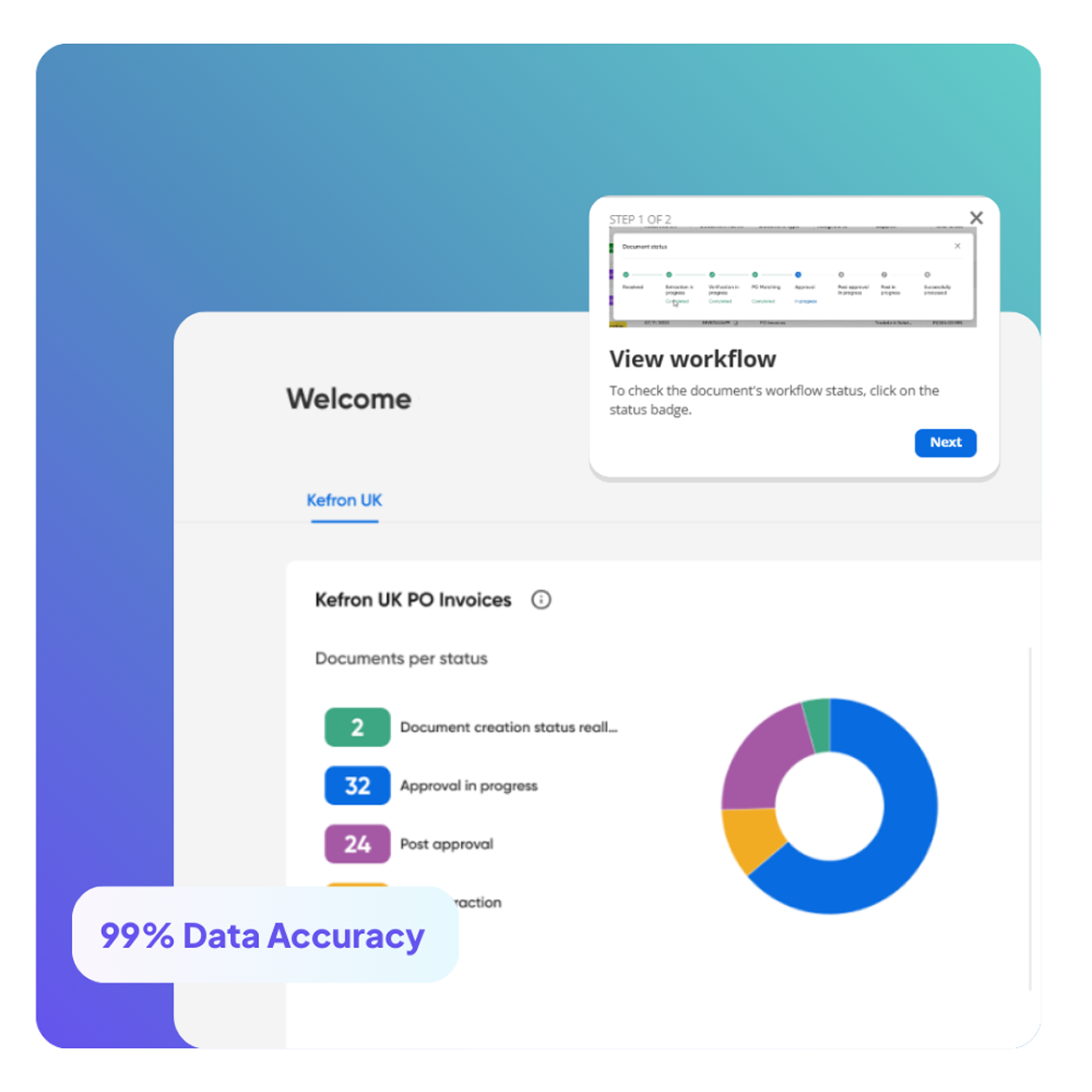
To modernise AP across the group, Smith Cameron rolled out Kefron AP, linked to SAP Business One. Every entity now follows the same automated AP process:
With SAP Business One AP Automation in place, Smith Cameron can grow without adding AP staff.
THE RESULTS:
With SAP Business One automation live, Smith Cameron soon saw clear gains across its whole AP process:
It shows how SAP B1 automation lets manufacturing accounts payable automation scale across many entities.

This isn’t just a success story, it shows what’s possible with SAP Business One AP Automation

This manufacturing firm adopted Kefron AP to replace manual invoice handling, improving speed, accuracy, and scalability as volumes grew.

Product:
Invoice Automation

Industry:
Manufacturing

erp:
Infor

Region:
United Kingdom

Applegreen implemented Kefron AP to centralise invoice intake, remove duplicates, and reduce invoice queueing time by 80% in three months, going fully paperless within six.
Product:
Invoice Automation
Industry:
Retail
erp:
SAP
Region:
IRE, UK, USA

Regatta replaced paper-heavy AP with Kefron AP, reducing manual workload and saving the equivalent of 424 trees per year through paperless invoicing.
Product:
Invoice Automation
Industry:
Retail / Apparel
erp:
Infro
Region:
UK / Global

Join teams like Smith Cameron. They process invoices 80% faster, hit 99% accuracy and grow AP without adding staff.


SAP Business One AP automation means using software like Kefron AP to automate accounts payable inside SAP Business One. It captures invoices, matches POs, routes approvals and tracks everything live. That cuts manual work and human error.
Manufacturers with several entities often deal with messy AP, duplicate invoices and poor visibility. AP automation in SAP Business One gives every business unit the same process. It tightens controls and makes invoices easier to manage, so finance can grow without strain.
Yes. Kefron AP is built to work with SAP Business One. You can automate invoices without changing how your ERP works. That means a faster set-up and a team that picks it up easily.
Automated PO matching uses AI to match each invoice to its PO and goods receipt in SAP Business One. That means less manual work, no payment delays and no errors from mismatched or duplicate documents.
AP tools read vendor, PO, GRN and GL data from SAP Business One. They use it to code and match new invoices for you. Once an invoice passes its checks, the system can create the A/P invoice or journal in SAP B1 and send it for approval. Your team only deals with exceptions.
Automation captures invoice data and matches it to POs and receipts in SAP Business One, so no one has to key it in. Teams using AP automation often handle far more invoices per person. Cycle times can drop from weeks to a few days.
AP tools can link to SAP Business One through add‑ons, certified connectors or an API, depending on the tool. A good link syncs vendors, POs, GRNs and GL codes both ways, so the AP team works from one set of data.